



Google Analytics 4 is a great tool, but you need a solid Shopify GA4 integration to take full advantage & get all the reports and accurate results based on your data.
To integrate Shopify & GA4, you have a couple of options:
- The Google Sales Channel app, a native solution to provide you with basic ecommerce events on your Shopify store.
- Analyzify, a Shopify app distinguished by having the most reviews in its category, has been providing a comprehensive GA4 integration for Shopify for the past two years, culminating in a community of more than 2000 satisfied customers.
- Other Shopify GA4 Apps, a collection of various solutions that offer different features and levels of GA4 integration for Shopify, broadening the spectrum of choice based on individual needs and preferences.
You should note that not all integration methods function the same way.
How can I set up e-commerce tracking in GA4 for Shopify?
While Shopify’s native integration via the Google Sales Channel provides a baseline for tracking, it does fall short in capturing some important e-commerce events such as “view item list,” “select item,” “refund,” and “promotions.” If your needs are minimal and basic tracking is sufficient, the native integration may be suitable.
The Analyzify app provides a comprehensive GA4 e-commerce tracking solution for Shopify, capturing all essential events and parameters. With Analyzify, you also gain access to exceptional professional support, helping you with the integration and reporting.
You can track some primary ecommerce events on your Shopify store using the Google Sales app. However, this method has limitations and does not include all the important events and parameters for a comprehensive analysis. Here’s a detailed comparison of the events included in each method:
GA4 Ecommerce Integration | Limited | Complete |
Ecommerce Events | Basic Events (view_item, add_to_cart, begin_checkout, add_payment_info, purchase) | All Events (Includes view_item_list, view_cart, remove_from_cart, add_shipping_info) |
Purchase Parameters | Limited (Coupon code, Customer ID, Variant ID not included) | Complete |
Data Layers & Google Tag Manager | No | Yes |
Onboarding & Setup Support | No | Yes |
Customizations & Expert Support | No | Yes |
Additional Integrations | No | Yes (10+ Integrations) |
Cost | Free | $749 / one-time-purchase |
As you can see, Shopify’s native solution doesn’t include important e-commerce events such as
- ‘view item list’ – (Category/Collection view)
- ‘view cart’
- ‘remove from cart’
- ‘add shipping info’
- ‘add payment info’
- Add to Wishlist
- User Login/Register
This means that if you use the Google Sales Channel app to integrate your Shopify store with GA4, you won’t be able to see these reports and the related data. Moreover, the Shopify Google Sales Channel’s GA4 integration doesn’t provide some crucial parameters, including the
- coupon code,
- customer ID,
- variant ID, and many others.
This lack of data can limit your understanding of your customers’ behavior and hinder your decision-making.
That said, Shopify’s native Google Sales Channel app integration could do well if you only need basic reporting. But if you want to unlock the full potential of GA4 ecommerce reporting and many other benefits, you should opt for a professional solution like Analyzify.
Furthermore, support is a vital aspect to consider. Shopify does not offer personalized support or service-level agreements for this GA4 integration, potentially leaving you to navigate certain store-level complexities, such as multi-currency, multi-language, or inaccurate tracking issues, on your own. If you require assistance setting up or adjusting settings, you’re essentially left to your capabilities. However, professional solutions often compensate for this by providing dedicated support to assist with any concerns or inquiries you may encounter during the setup process and beyond.
Set up GA4 on Shopify w/ Google App
Before proceeding with the setup of GA4 on Shopify using the Google Sales Channel (also known as Native Shopify GA4 Integration), it’s important to consider the potential downsides (missing reports, missing values, missing events, lack of support) that we’ve previously outlined. If the Google app is already installed and in use on your Shopify, you can start from step 3.
If you don’t have a GA4 account set up yet or haven’t adjusted the necessary settings, please jump to the section where we provide a step-by-step guide for this process. Now, let’s begin:

 Easy
 2 min

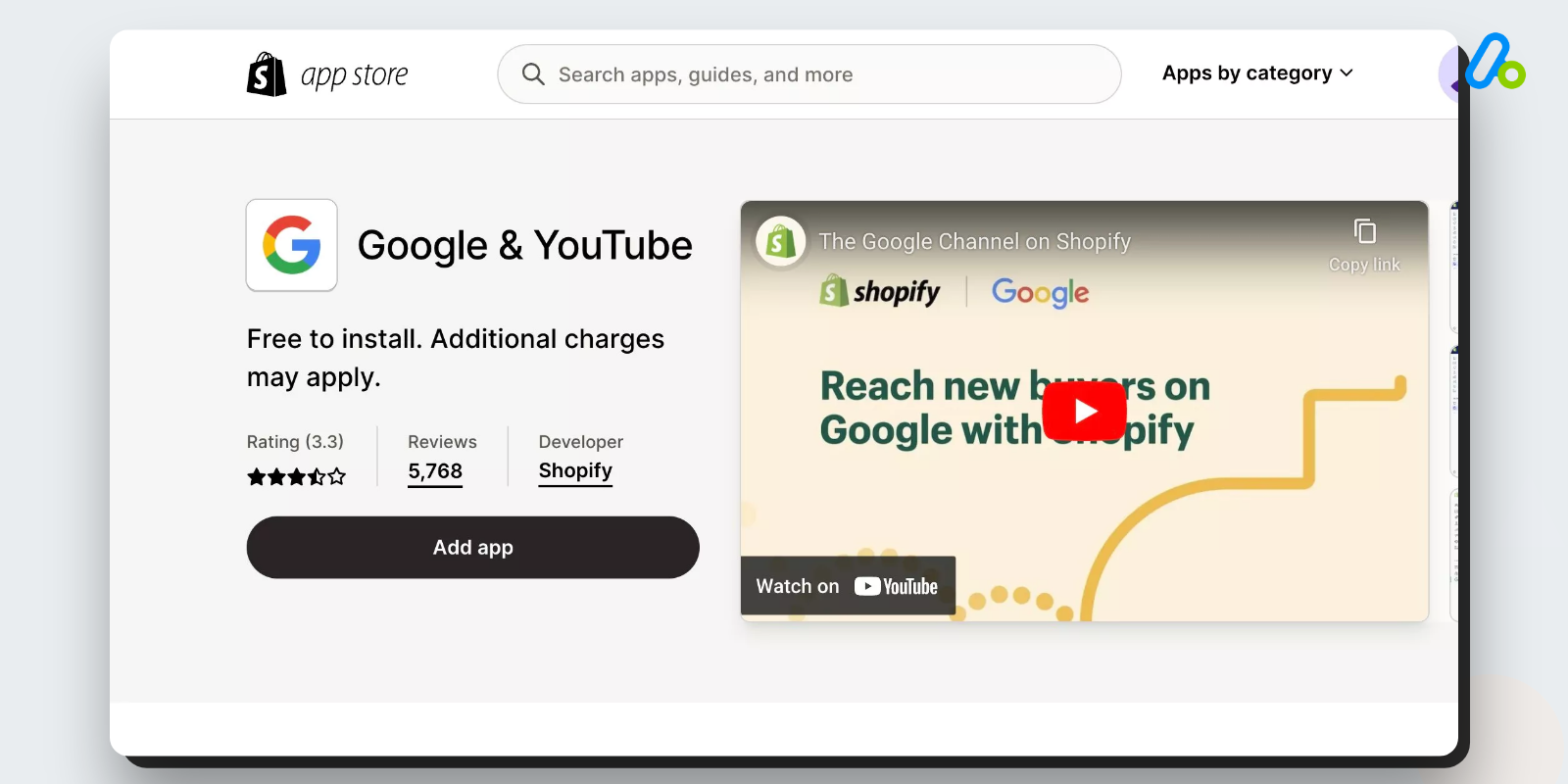
If Google & YouTube (previously known as Google Sales Channel) is already installed on your Shopify app store, you may proceed directly to step 3. If not, please install this app from the Shopify app store first.
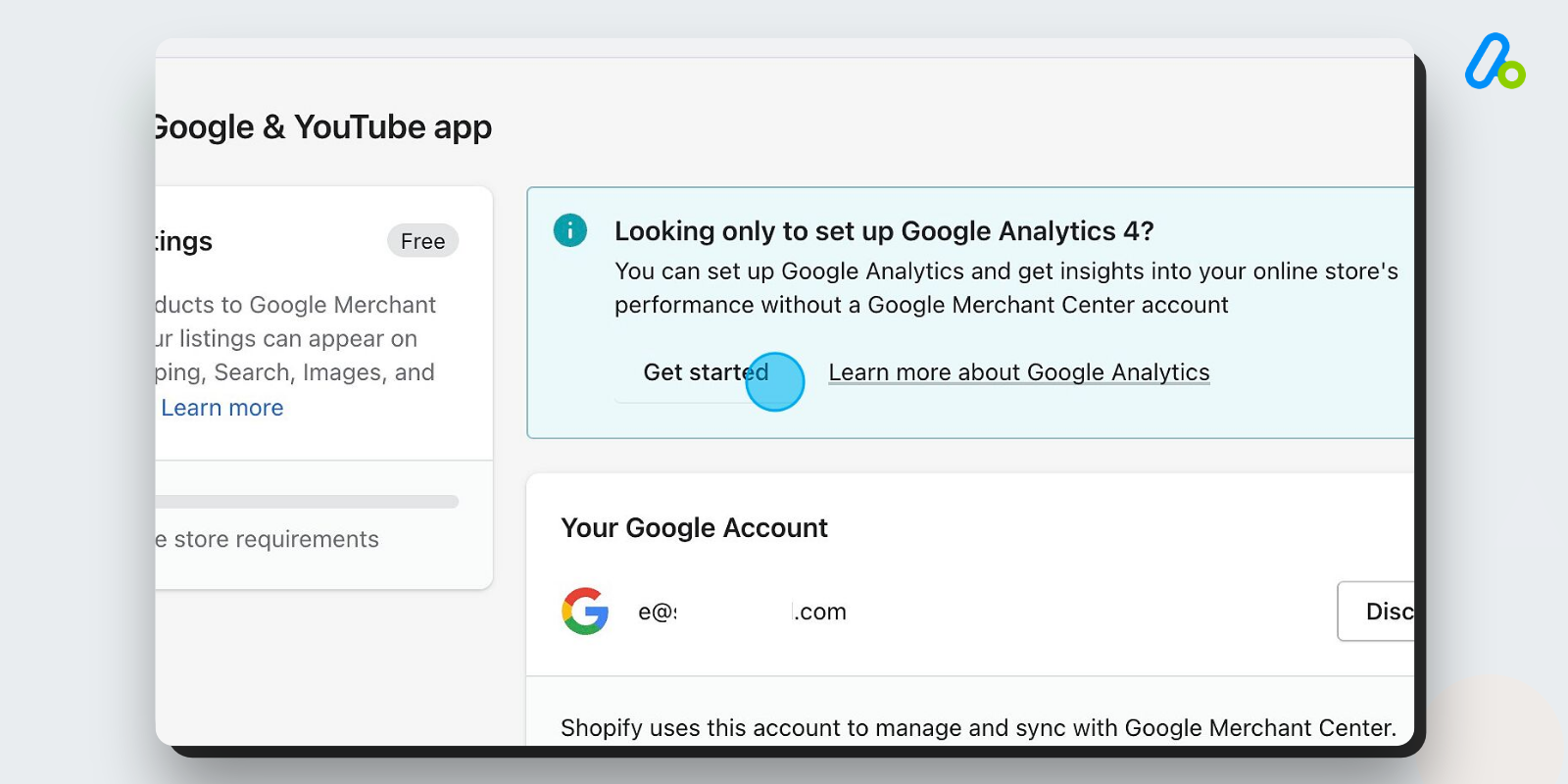
During the setup process, you’ll be presented with the question, “Looking only to set up Google Analytics 4?” Select this option if you do not wish to use Google Sales Channel for other purposes.
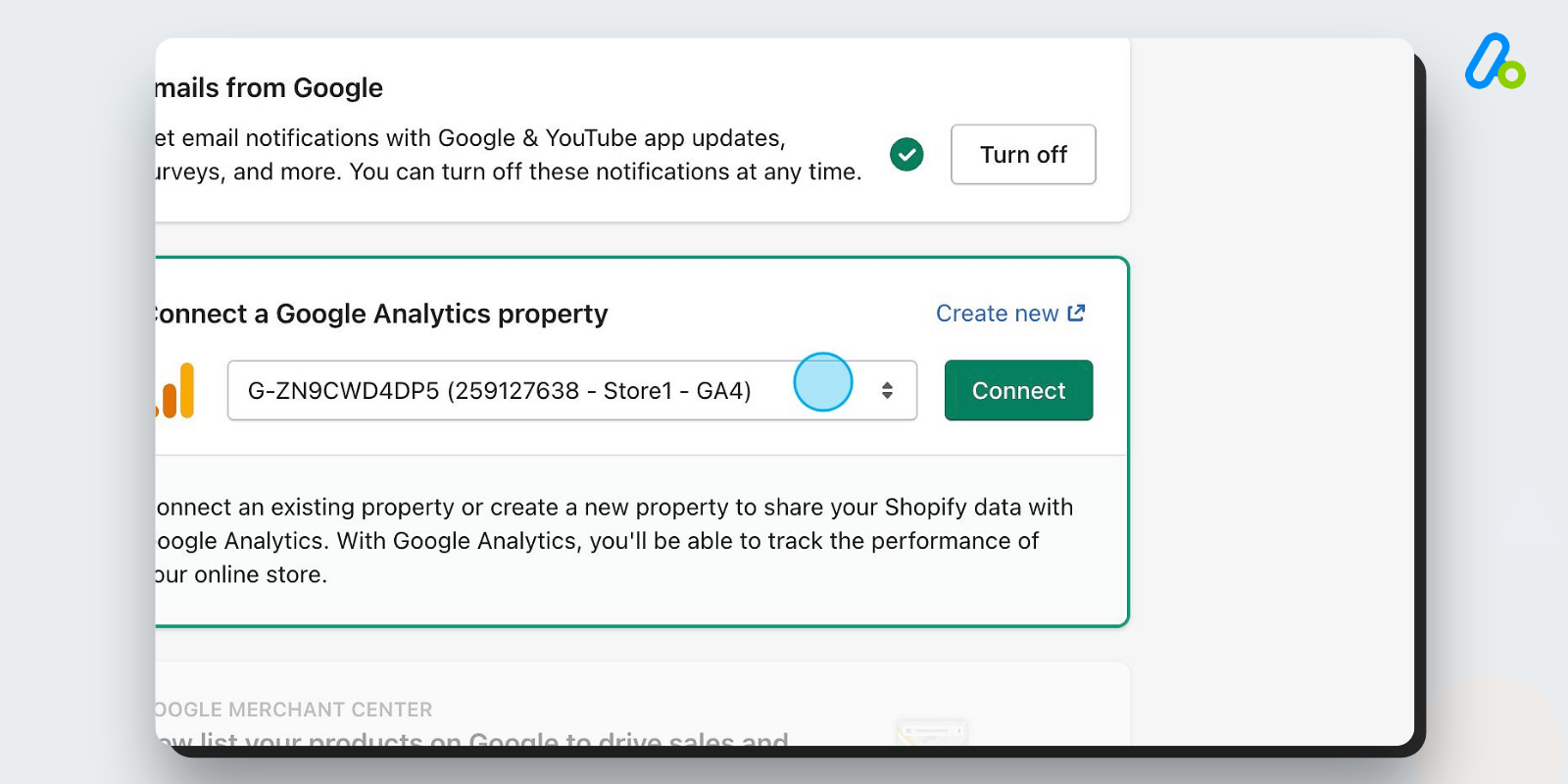
Proceed to authenticate your Google account. Following this, select your desired GA4 property and click ‘Connect’.
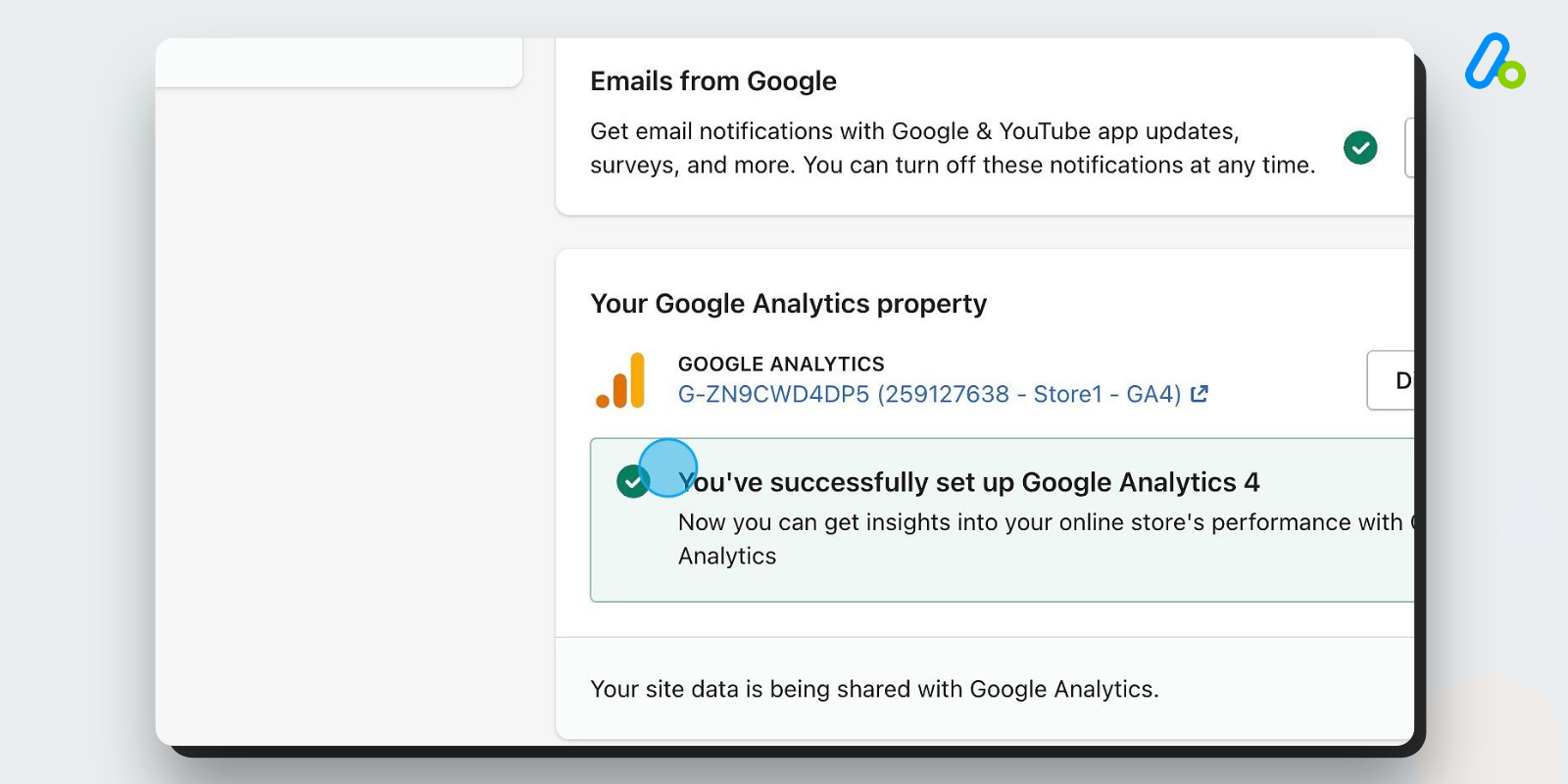
Once completed, your data should begin flowing seamlessly to the chosen GA4 property. This concludes the setup process.
Easy2 minAnalyzify’s Shopify GA4 Integration
Analyzify provides a comprehensive GA4 integration for Shopify, encapsulating all ecommerce reports, events, and parameters. With a dedicated setup assistance, our expert team stands by you throughout the setup, validation, and resolution of any store-level issues that may arise. Additionally, we offer built-in GA4 reports to deliver a straightforward experience for those who prefer to avoid the complexity of navigating GA4.
Easy3 min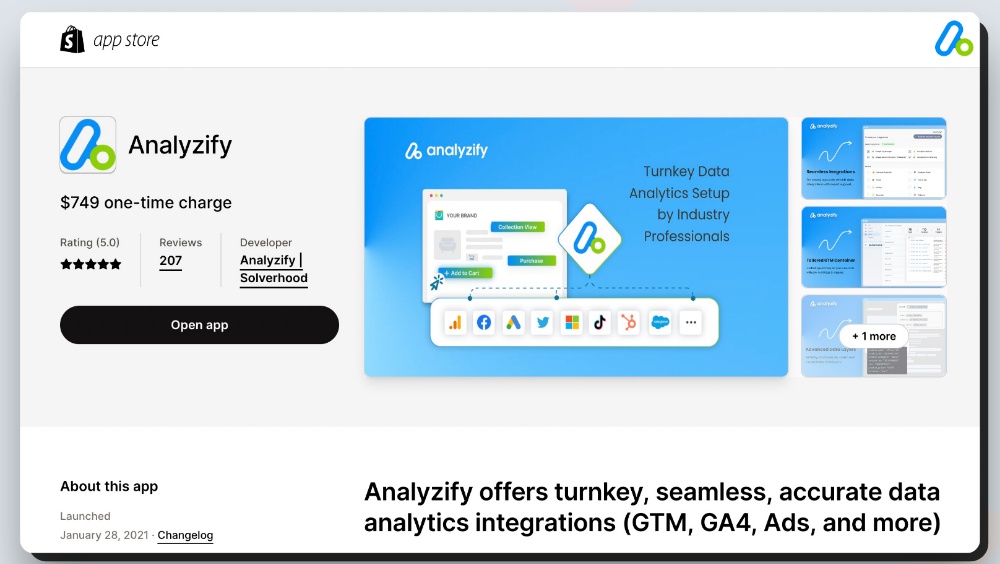
Install Analyzify from the Shopify app store. Being the highest-rated Shopify GA4 app, Analyzify holds an impressive record of 207 reviews and an impeccable 5.0 average rating, and this count is only growing. Simply head to the app store and click “Add App” to get started.
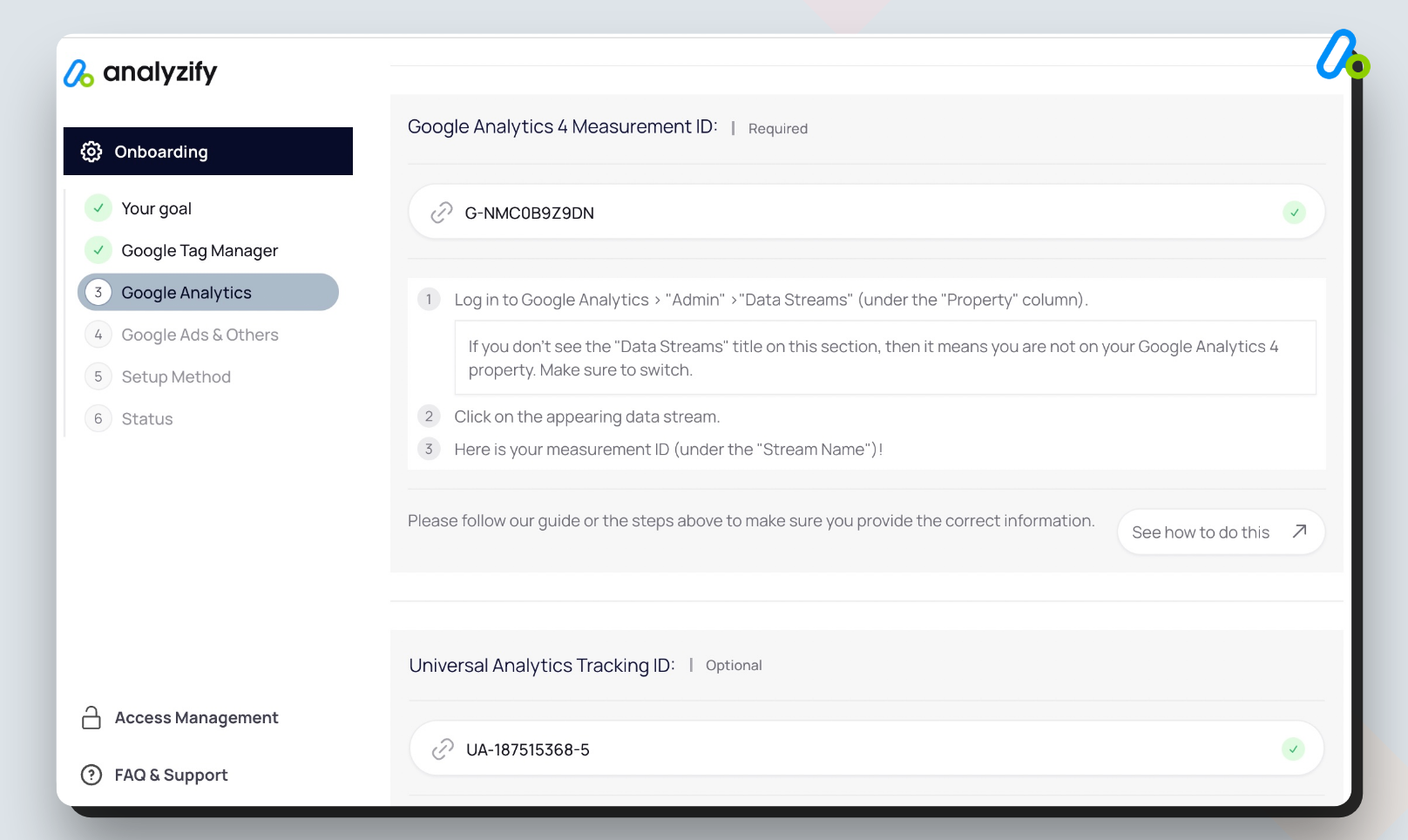
Known for its robust and comprehensive GA4 integration, backed by an expert support team, Analyzify ensures seamless compatibility. Select Google Analytics 4 as part of the onboarding process. We also highly recommend employing Google Ads Enhanced Conversions and the additional 10+ integrations Analyzify provides for maximum efficiency.
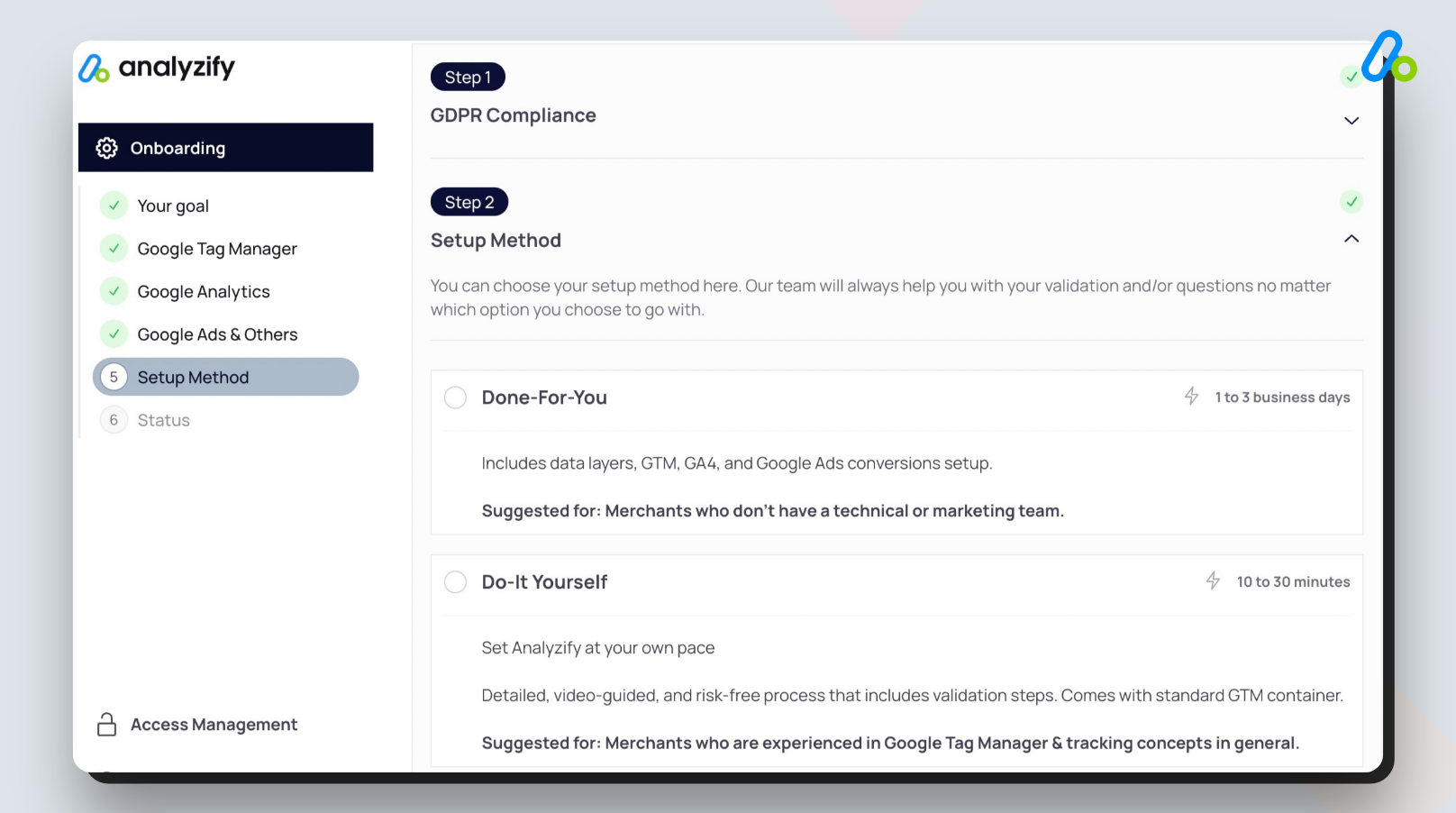
Choose between our expert-guided setup, completed within two business days, or go for a DIY approach with our detailed tutorials. Regardless of your choice, our dedicated team is ready to assist whenever you need.
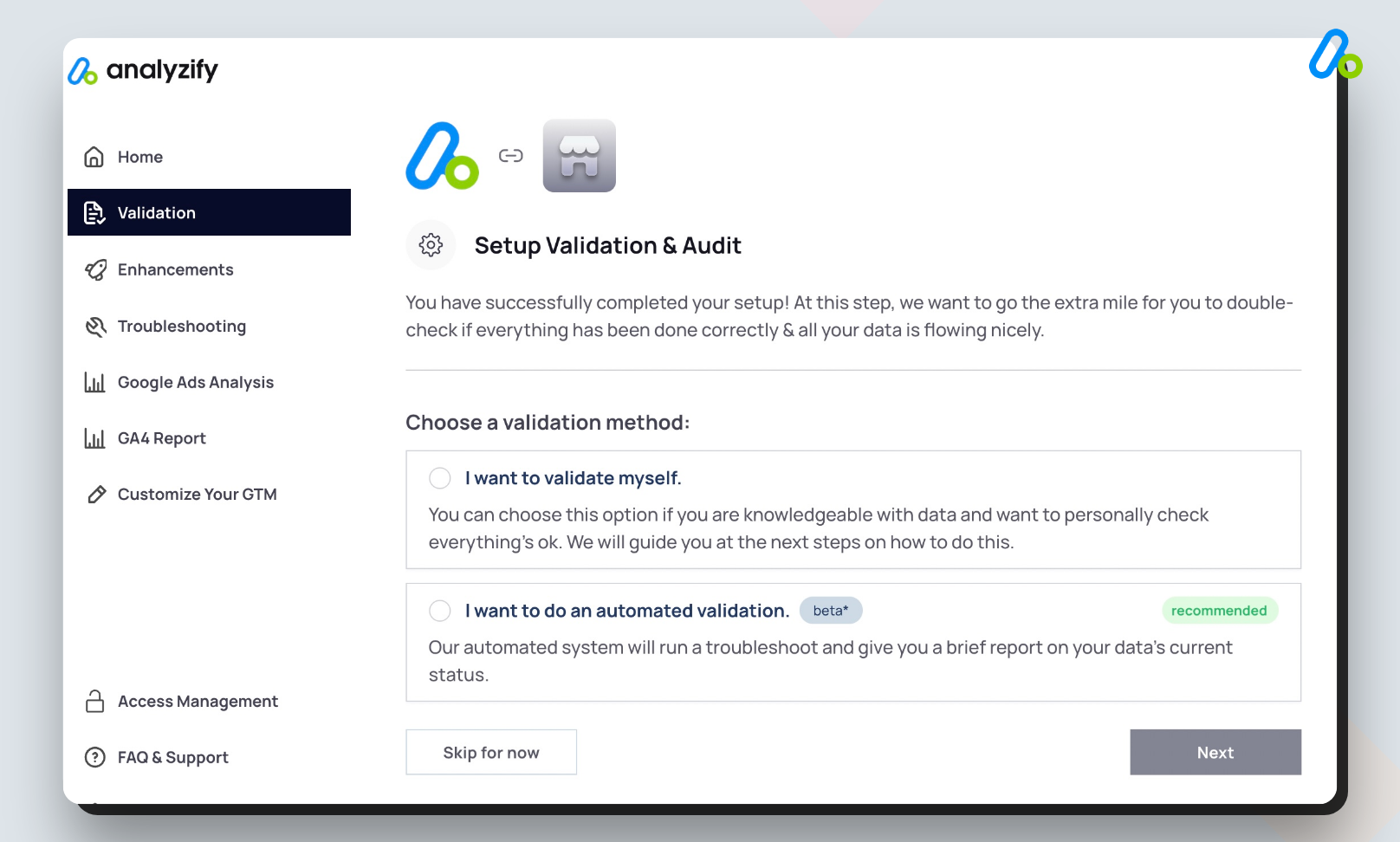
We value the accuracy of your data and want to ensure it’s flowing properly. Request our team to validate your setup or do it yourself to ensure everything is operating perfectly.
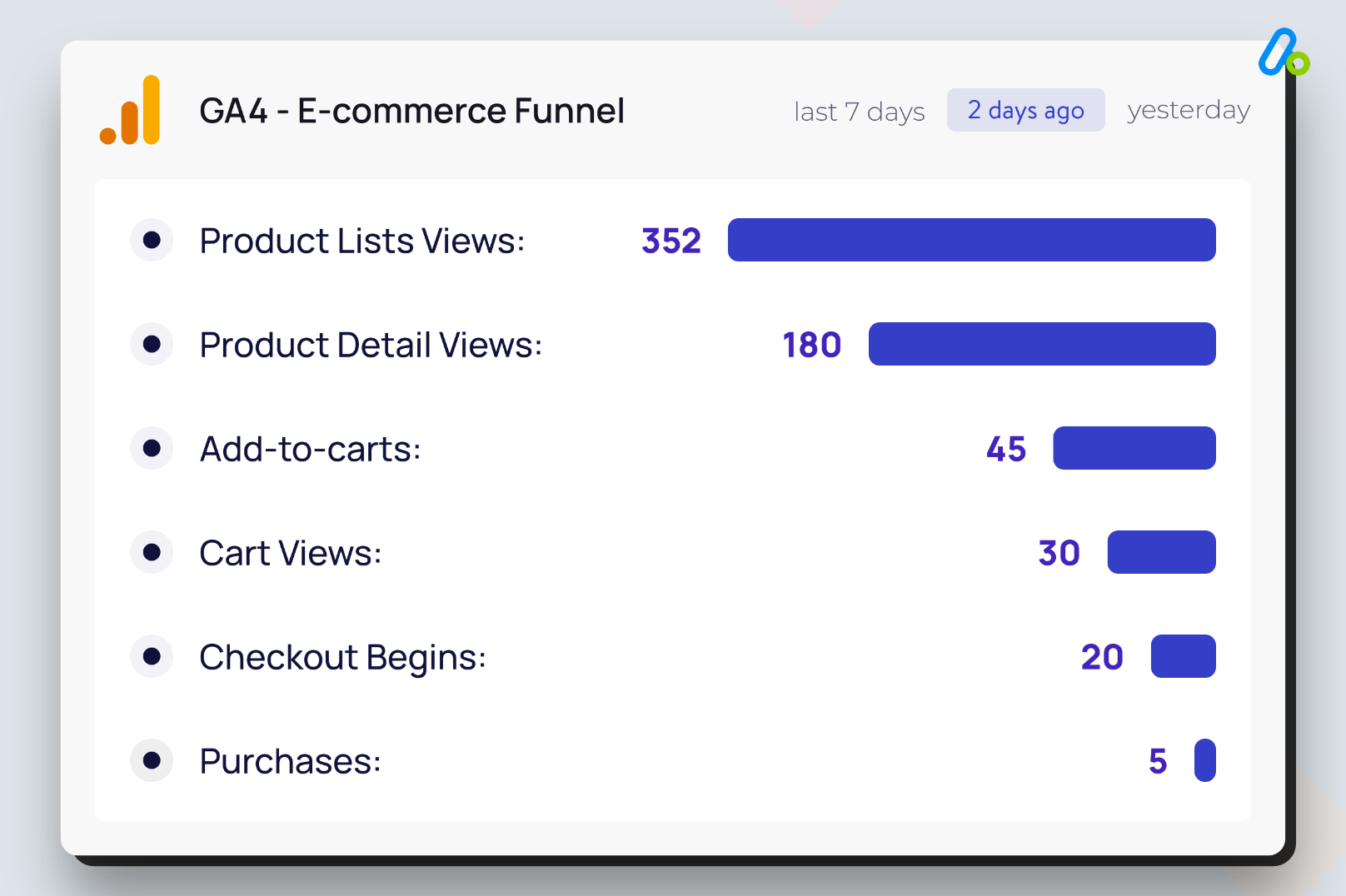
With Analyzify, you gain access to a full suite of ecommerce reports in GA4. You can even view key GA4 reports directly on Analyzify’s user-friendly dashboard. Enjoy the richness of data insights Analyzify brings to your fingertips
Easy3 minIn the Shopify app store, you’ll find several GA4 apps and solutions to choose from. However, when deciding on the best solution for your business, we recommend taking the following criteria into account:
- Industry Experience: It’s crucial that your chosen solution provider possesses extensive industry knowledge, especially in both Shopify and Google Analytics landscapes. This ensures they understand the specific challenges and opportunities inherent to these platforms.
- Reviews: Pay attention to user reviews and ratings. They can provide valuable insights into the product’s performance and the quality of customer service.
- Support Scope & Setup Options: Opt for a solution that offers comprehensive support and flexible setup options. Whether you prefer a DIY approach or expert-guided setup, the provider should be able to cater to your needs.
- Additional Integrations: A solution with a range of integrations, like Google Ads or Google Tag Manager, can significantly enhance your data tracking and reporting capabilities.
- Comprehensive Documentation: A strong solution provider maintains a robust knowledge base. This demonstrates the provider’s expertise and commitment to helping their customers succeed.
When you weigh these factors, Analyzify emerges as a strong contender, offering comprehensive GA4 integration, expert setup assistance, a slew of additional integrations, and a stellar track record demonstrated by our reviews. Choose Analyzify to elevate your ecommerce analytics and performance.