Analyzify now offers a server-side integration for Klaviyo, improving event reliability and enriching the customer data sent to your account. This provides a more resilient tracking setup and helps capture events that browser-based tracking can miss.
Why Server-Side Klaviyo Integration Matters
Browser-based tracking depends on the visitor's device and browser to fire and deliver events. Ad blockers, privacy settings, network issues, and page abandonment can all prevent events from reaching Klaviyo, leaving gaps in your data.
Server-side tracking sends events from the server instead of the browser, so it isn't affected by the same client-side limitations. The result is more complete, reliable event data flowing into Klaviyo, which means better-informed flows, segments, and campaigns built on a fuller picture of customer behavior.
Automatic GA4 Custom Dimension Creation
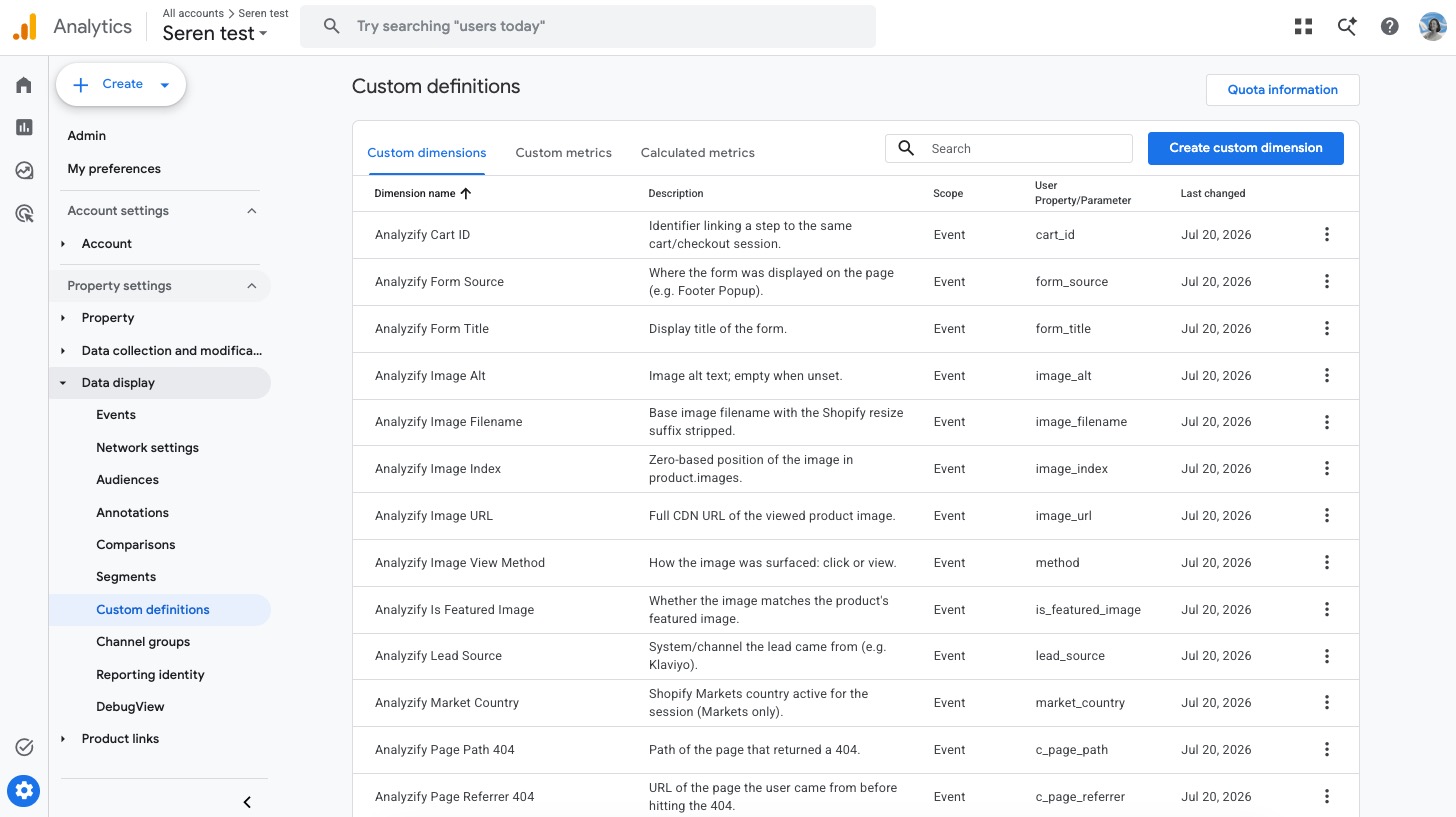
Some Analyzify events and parameters, such as Generate Lead, 404 Tracking, and Market, require GA4 Custom Definitions before they appear in your GA4 reports. Setting these up manually was an easy step to miss.
Now, if you've granted GA4 Automated Access, Analyzify automatically creates the required custom definitions when you complete your GA4 setup. No manual configuration needed.
If you're an existing customer, you can trigger this by opening your GA4 setup, toggling the event selection off and on, and completing the setup again. Any missing custom definitions will be created automatically.
Attribution Report Improvements
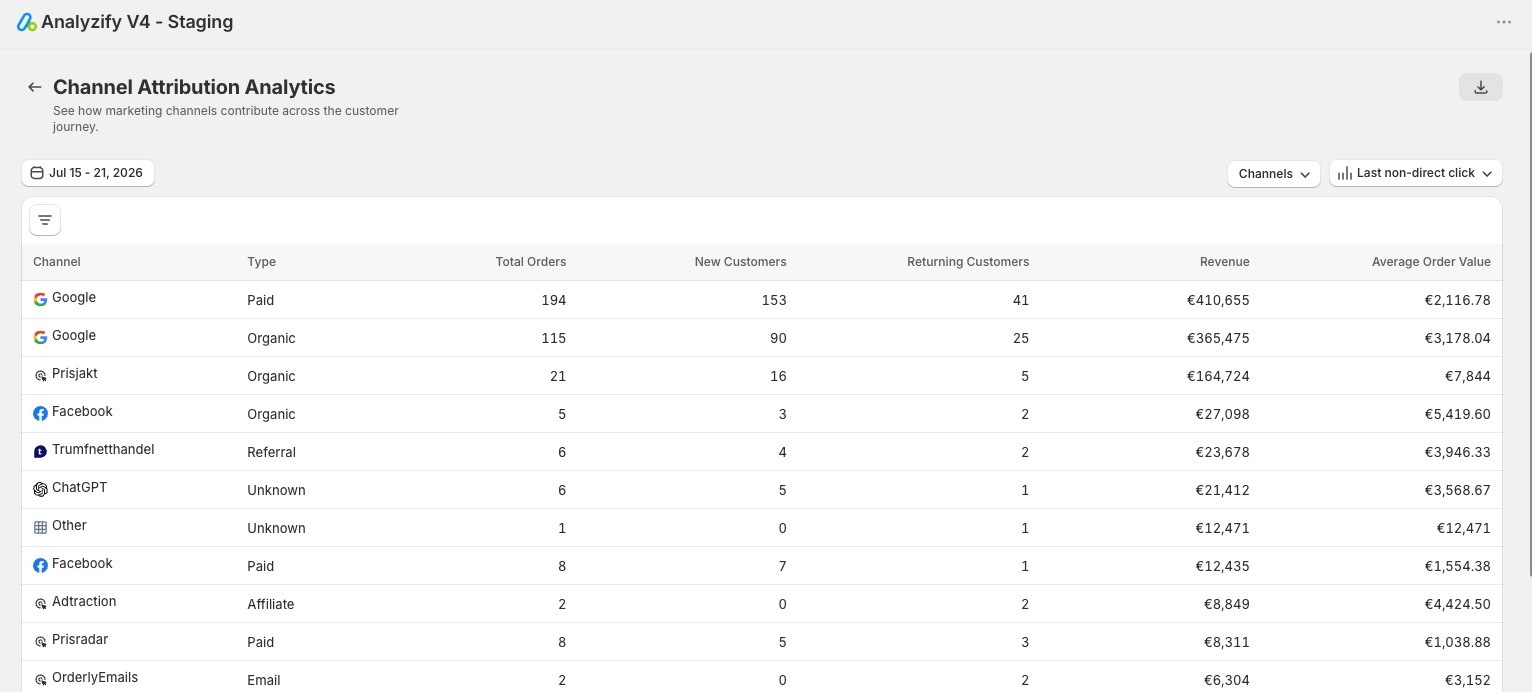
We've expanded Attribution Analytics with new models and more flexible analysis.
Two new attribution models are now available:
- Linear attribution, which distributes credit evenly across every session in the journey
- U-Shaped attribution, which weights the first and last touchpoints most heavily
We've also introduced Channel Groups for easier performance analysis. You can switch between attribution models freely, and click any channel group to view the individual orders behind the numbers.
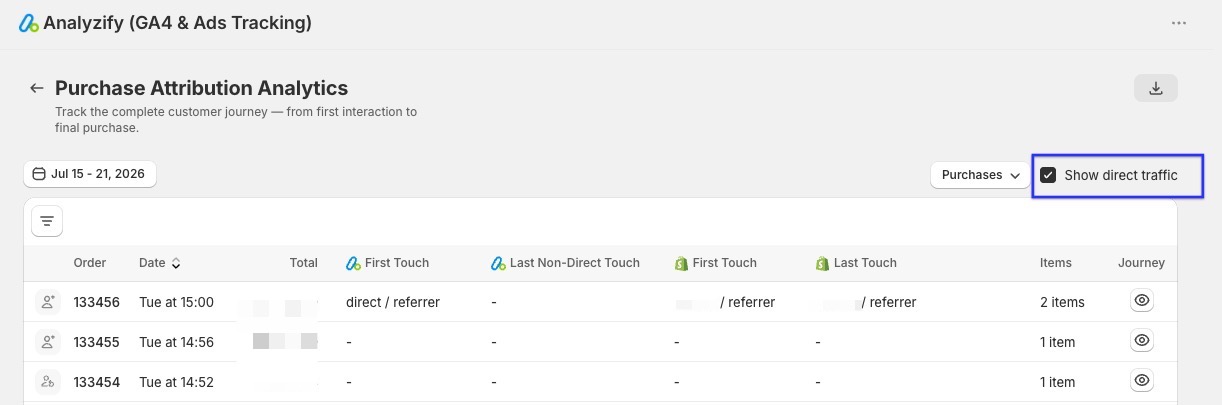
In addition, a new Show Direct option gives you full control over Direct orders. Previously, some orders attributed to Direct traffic were intentionally excluded from the report. You can now decide whether Direct orders are included in your attribution analysis.
New Consent Mode Option: No Data Before Consent
A simpler consent option is now available in Settings. "No Data Before Consent" (Basic Consent Mode) means no tracking data is sent until the visitor gives consent. This option affects Google Analytics 4 and Google Ads only, since all other destinations always wait for consent.
We've also updated the consent settings UI to make the available options easier to understand, so you can choose the right approach for your store with more clarity.


 280+ reviews on