









AI search tools like Perplexity, Bing Copilot, and Google’s AI Overviews now recommend products directly within search results.
ChatGPT with browsing answers shopping queries by pulling from structured data it can parse and verify.
The way these systems decide which products to surface depends heavily on your store’s schema markup - and Microsoft, Bing, and Google have all published guidance confirming this. Most Shopify stores have schema gaps they don’t know about.
5 Key Takeaways
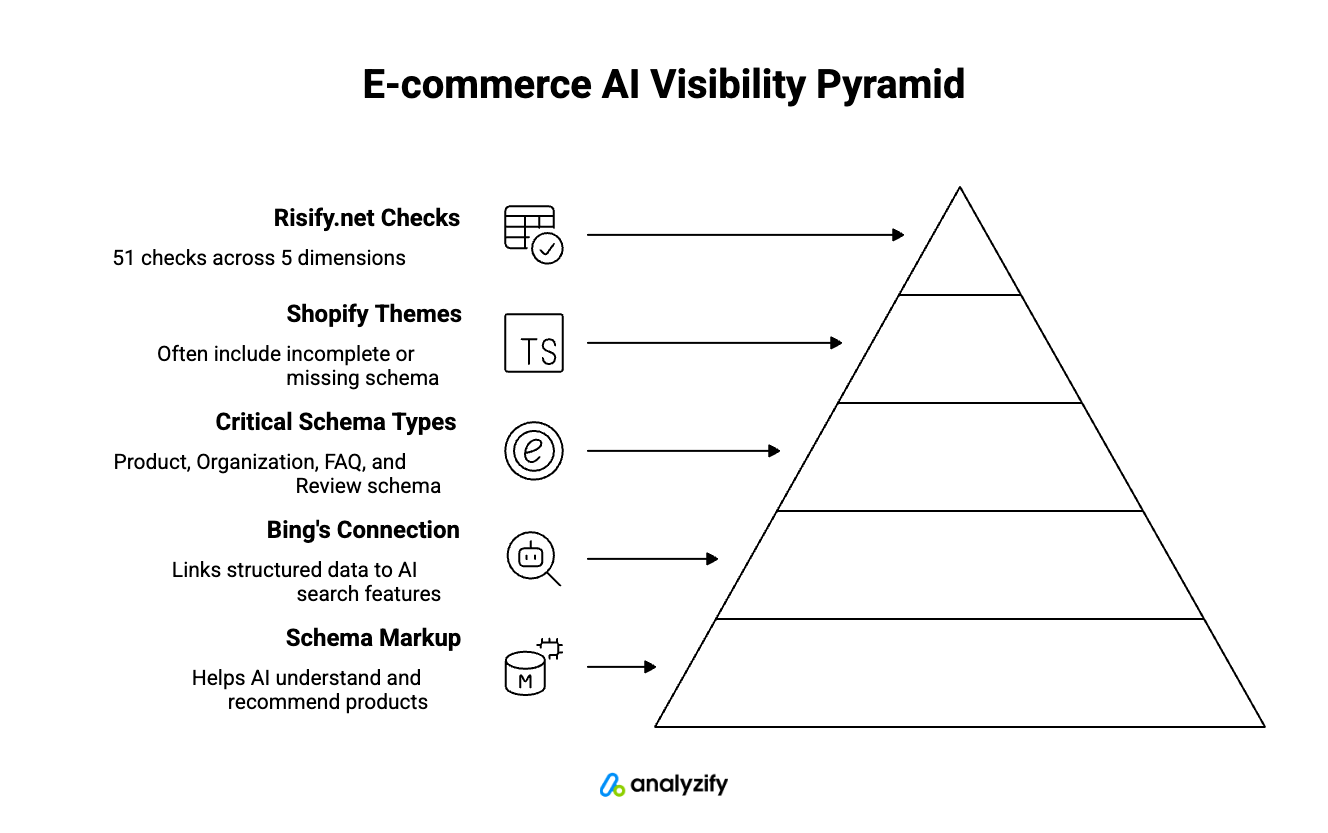
Microsoft’s official guidance (Oct 2025) confirms schema markup helps AI search tools and LLMs understand and recommend products.
Bing’s webmaster blog explicitly connects structured data to AI-powered search and shopping features.
Product, Organization, FAQ, and Review schema are the most critical types for e-commerce AI visibility.
Most Shopify themes include some schema by default, but it’s often incomplete or missing required properties.
Risify.net runs 51 free checks across 5 dimensions to show exactly where your store’s schema falls short.
Why Microsoft Says Schema is Critical for AI Search Answers
In October 2025, Microsoft published a guide specifically about optimizing content for inclusion in AI search answers. According to their official Ads Blog, schema “helps search engines and AI systems understand your content” and turns “plain text into structured data that machines can interpret with confidence.”
This creates a clear chain of cause and effect for e-commerce:
AI search tools need to verify product information before surfacing it to users.
When a product page has complete schema - price, availability, brand, reviews - AI systems can confidently include it in recommendations.
When schema is missing or incomplete, AI systems have to guess. Guessing means risk, and most AI systems skip content they can’t verify.
For Shopify stores, this translates directly into visibility. Your product might match exactly what a user is searching for.
But if the AI tool can’t parse your structured data correctly, it will recommend a competitor’s product instead - one with schema it can read.
Bing Confirms Structured Data Feeds AI Search Tools
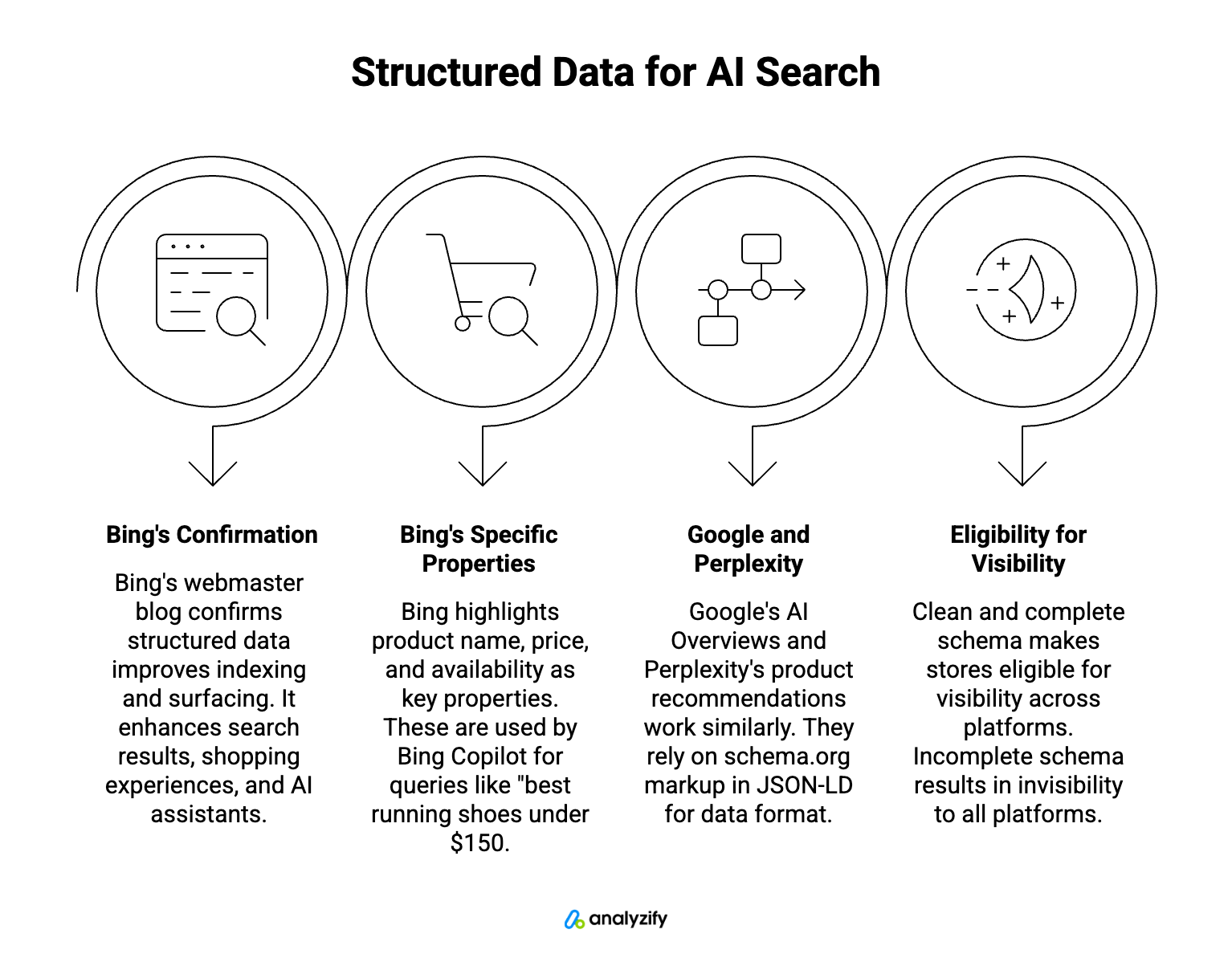
Microsoft’s Bing team reinforced this connection in May 2025. Their webmaster blog explains that structured data “makes it easier for search engines not only to index your content, but to surface it accurately and richly in search results, shopping experiences, and AI-driven assistants.”
The specific properties Bing highlights tell you exactly what AI shopping features look for:
Product name
Price
Availability
These are the data points Bing Copilot uses when answering queries like “best running shoes under $150.” Stores without proper Product schema containing these properties simply don’t appear in those answers.
Google’s AI Overviews and Perplexity’s product recommendations work similarly. Each platform has its own ranking algorithms, but they all rely on the same underlying data format: schema.org markup in JSON-LD.
If your store outputs clean, complete schema, you’re eligible for visibility across all of them. If it doesn’t, you’re invisible to all of them.
The Schema Gap Most Shopify Stores Don’t Know They Have
Shopify themes typically include basic Product schema, but basic coverage leaves significant gaps that hurt AI visibility.
The most common missing elements in Product schema:
aggregateRating and reviewCount: AI systems use these to assess product quality and trustworthiness. Without them, your products look unverified compared to competitors who have review data in their schema.
brand: Required for AI systems to connect your products to brand-related queries. If someone searches “Nike running shoes” and your Nike products don’t have brand schema, AI tools won’t match them.
SKU and GTIN: These identifiers help AI systems match your products to specific searches and verify authenticity. Particularly important for branded or resold products.
availability with proper formatting: Many themes output availability as plain text rather than schema.org’s required enumeration values (InStock, OutOfStock, PreOrder, etc.). AI systems can’t parse text-based availability.
Product schema isn’t the only gap. Most Shopify stores are also missing Organization schema entirely - this is how AI systems verify your brand identity:
Your official business name
Logo URL
Social profile links
Contact information
Without Organization schema, AI tools have no structured way to confirm your store is a legitimate business. This affects your AI-TRUST signals.
Two more schema types matter for AI visibility:
FAQPage schema: Lets AI systems pull answers directly from your store when users ask product-related questions. If someone asks “does this jacket run small?” and you have sizing FAQs with proper schema, AI tools can surface your answer.
BreadcrumbList schema: Helps AI understand your store’s category structure. This affects how your products appear in category-level queries like “best hiking boots” or “wireless earbuds under $100.”
The core problem: Shopify’s admin doesn’t show you what schema is actually on your pages.
You can’t see which properties are present, which are missing, or whether your existing schema validates correctly against schema.org specifications. You’re flying blind.
How to Check Your Shopify Store’s Schema for Free
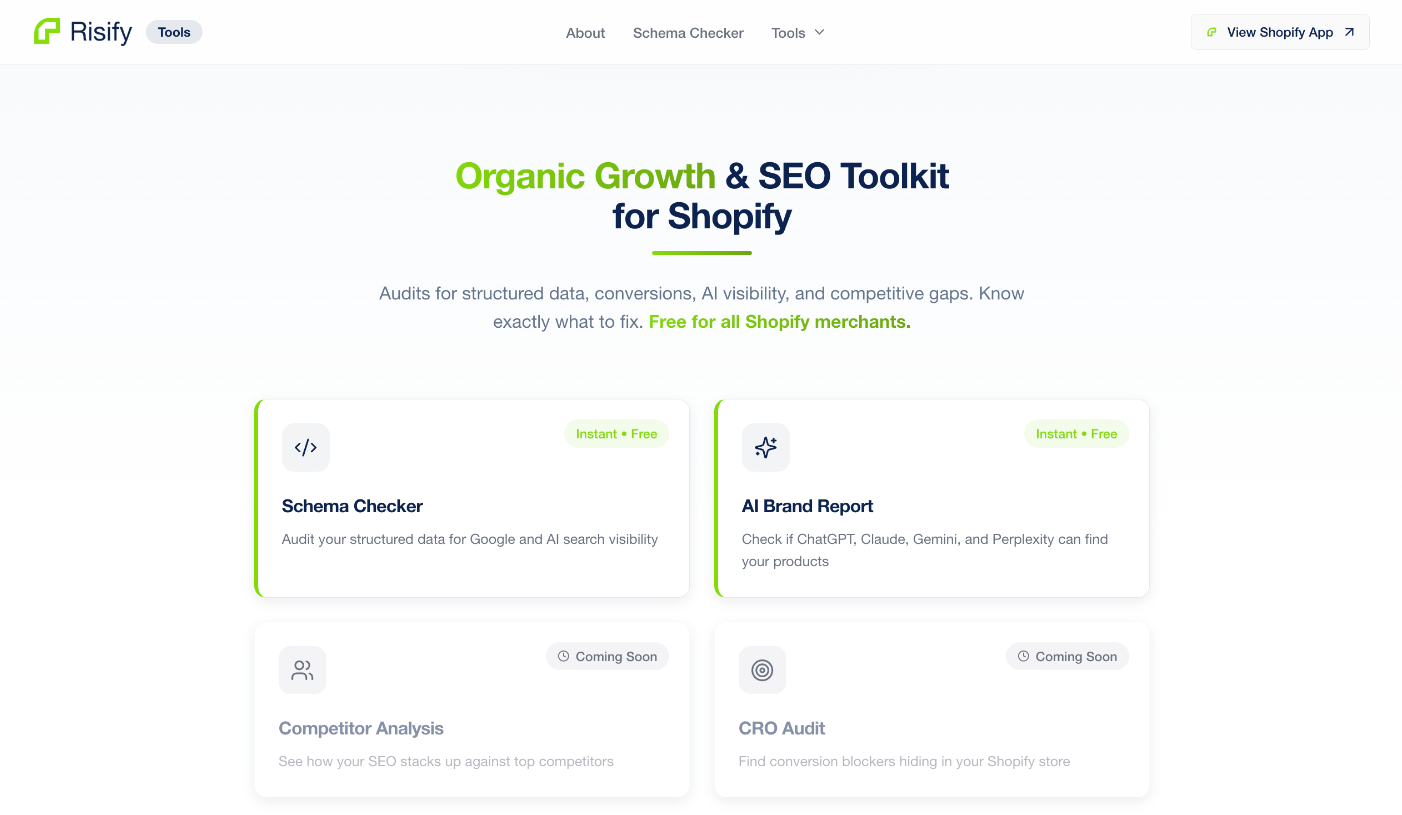
Risify.net is a free tool that runs 51 automated checks on your Shopify store and returns a 0-100 AI Discovery Score with detailed breakdowns.
The checks are organized into 5 weighted dimensions:
AI-ACCESS (10%): Can AI systems crawl your store? Checks robots.txt configuration, sitemap presence, and llms.txt setup.
AI-ENTITY (15%): Does AI recognize your brand? Checks Organization schema, social profile connections, and brand identifiers.
AI-CONTENT (20%): Is your content citable? Checks FAQPage schema, BreadcrumbList implementation, and content structure.
AI-SHOP (35%): Can AI recommend your products? Checks Product schema completeness, pricing data, availability formatting, and review markup.
AI-TRUST (20%): Should AI trust your store? Checks review presence, security indicators, and contact information.
AI-SHOP carries the highest weight because product recommendations are where AI visibility translates directly into revenue for e-commerce stores.
Here’s how it works: enter your store URL, and within about 60 seconds, you’ll see your overall score plus a breakdown by dimension.
Each failed check shows specific findings with fix recommendations. You can also see how your store compares to similar Shopify stores through percentile benchmarking.
No account required to run the scan. You can optionally enter your email to receive a detailed report.
Check Your Store Now
Enter your store URL at risify.net and see your AI Discovery Score. If your schema has gaps, you’ll know exactly where they are and what to fix.