





Event Match Quality (EMQ) tells you how well the customer information on your events can be matched to people on Meta. A low score usually means some identifiers are missing, formatted wrongly or blocked by consent. It rarely means your tracking is broken.
Below, you’ll check one event at a time, find what is actually missing and fix what can be fixed on a Shopify store.
What Event Match Quality measures (and what it doesn’t)
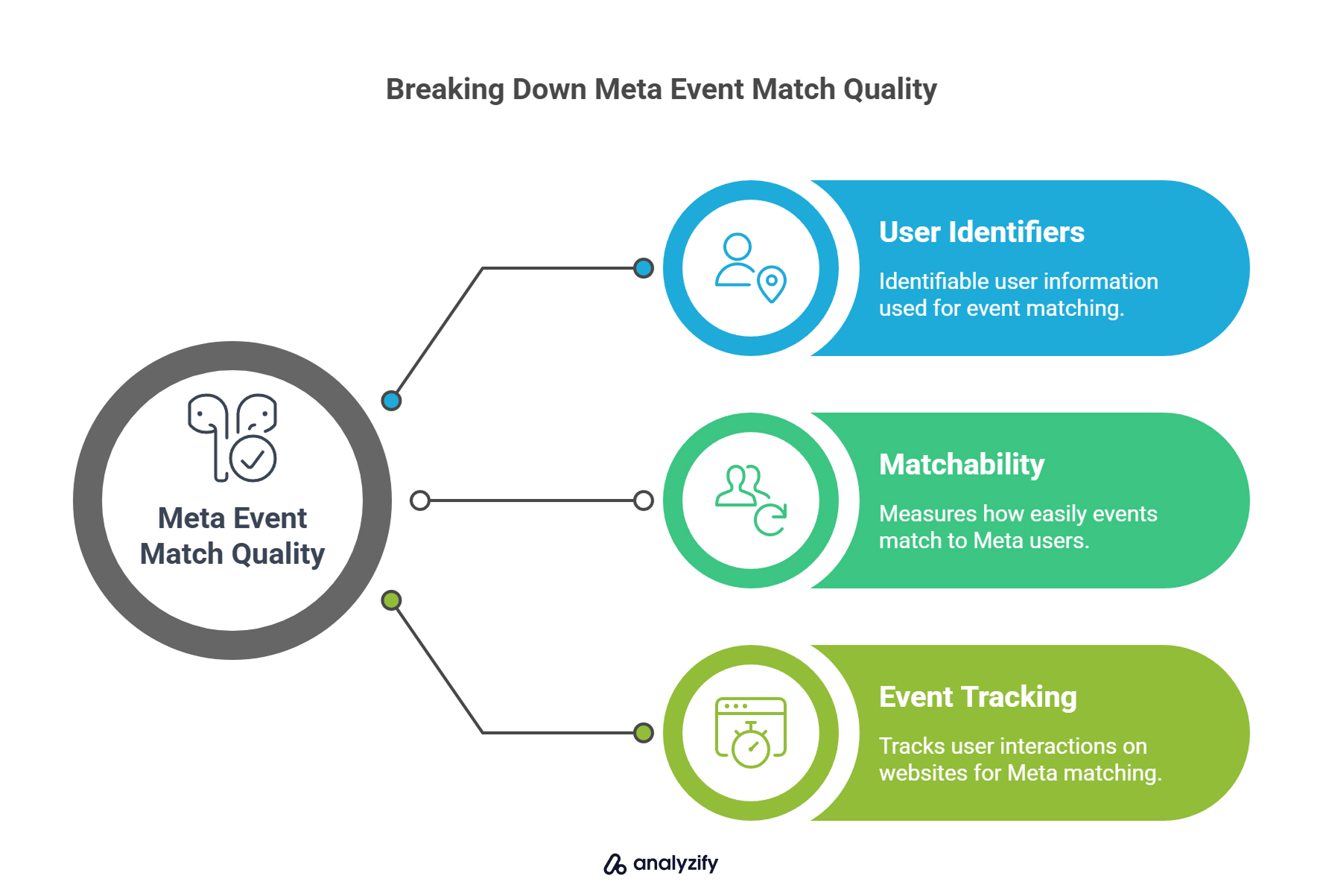
Event Match Quality is Meta’s score, from 1 to 10, for how effectively the customer information on an event can be matched to a Meta account. Meta shows it per event, such as Purchase or AddToCart, in Events Manager. It applies to website events and reflects the customer information parameters you send through the Conversions API. According to Meta, EMQ is currently available only for web events, so offline, physical store and app events don’t get the standard score.
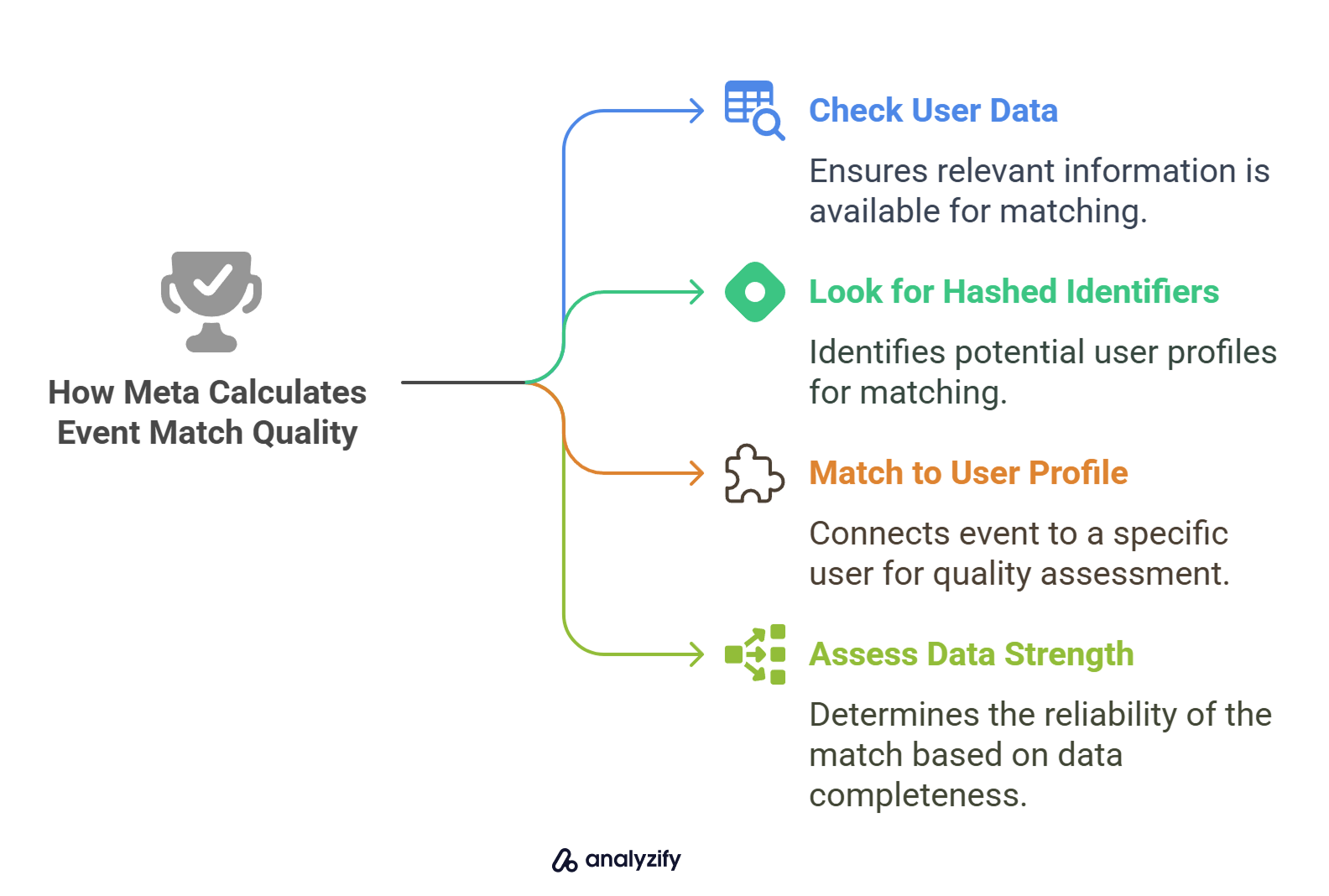
EMQ answers one question: when this event reaches Meta, how much does it carry that Meta can use to recognize the person?
It doesn’t tell you whether every purchase was tracked, whether events are counted twice or whether your attribution is complete. Meta reports those separately:
| What you want to know | What Meta calls it | What fixes it |
|---|---|---|
| Can Meta recognize the person behind this event? | Event Match Quality (match keys) | Sending more identifiers, correctly formatted and with consent |
| Is the server sending the events the pixel sends? | Event coverage | Sending events from both the browser and the server |
| Are browser and server copies counted once? | Deduplication | Using the same event name and event ID on both copies |
Keeping these three apart saves time. A store can have a high EMQ and still miss purchases, or have perfect deduplication and a low EMQ.
Is your score actually a problem?
Small day-to-day changes are normal. A sharp drop after a change on your store is worth investigating.
Meta recalculates EMQ as new events arrive, so it moves with your traffic. A week with more guest checkouts, or more visitors from regions where consent is required, can lower it without anything being broken.
Meta recommends aiming for a score of 6.0 or higher where possible. Treat that as a reference point rather than a rule, because what’s achievable depends on the event. A Purchase carries an email, phone and address from checkout. A PageView from an anonymous visitor usually can’t. Compare each event with its own history instead of a single number.
Investigate when:
The score for an event your ad sets optimize on drops by a point or more and stays there.
A specific match key, such as email or fbc, suddenly shows much lower coverage.
Events Manager shows a new diagnostic for the event.
The drop lines up with a change on your store.
Diagnose one event at a time
In Events Manager, open your dataset (pixel) and select the event you want to check to see its Event Match Quality details. Start with the event your campaigns optimize for, usually Purchase. Improving an event no ad set uses won’t change much.
Work through these checks in order.
1. Which event, and which source?
Note the event name and whether Meta receives it from the browser (Meta Pixel), the server (Conversions API) or both. EMQ reflects the customer information on your server events, so an event sent only from the browser gives Meta much less to work with.
If an event arrives only from the browser, the first fix is coverage, which means sending it from the server too.
2. What changed recently?
Most sudden drops have a simple cause. Check whether any of these happened around the date the score fell:
A theme change, or a theme update that removed or duplicated tracking code
A checkout change, such as new checkout extensions or a different checkout flow
A new or reconfigured cookie consent banner
A tracking or pixel app installed, removed or updated
Changes to your Google Tag Manager container
A new Shopify Market, domain or pixel
If one of these matches the timing, start there.
3. Which match keys are present?
Events Manager lists the customer information parameters Meta received for the event and the share of events that carried each one. This is the most useful screen in the whole diagnostic.
Look for keys that are missing or have low coverage. These matter most for ecommerce:
| Match key | Where it usually comes from on Shopify | Notes |
|---|---|---|
| Email (em) | Checkout, customer accounts, newsletter forms | Strongest key for purchases; usually missing on anonymous browsing events |
| Phone (ph) | Checkout, if the store collects it | Include the country code, even if all your customers are in one country |
| First and last name (fn, ln) | Checkout | |
| City, state, zip, country (ct, st, zp, country) | Shipping or billing address | Weaker on their own, useful in combination |
| External ID (external_id) | A stable ID from your tracking setup, such as a customer ID or a persistent visitor ID | Useful because it stays the same across visits |
| Click ID (fbc) | The _fbc cookie, built from the fbclid parameter added when someone clicks a Meta ad | Only exists for visitors who arrived from an ad click |
| Browser ID (fbp) | The _fbp cookie set by the Meta Pixel | Needs the pixel to load, which depends on consent |
| IP address and user agent | The visitor’s browser | Sent as they are, not hashed. Meta requires the user agent on website events sent through the Conversions API |
Not every event can carry every key. A PageView from a first-time visitor has no email to send. That’s expected, not a fault.
4. Check Meta’s diagnostics
Events Manager also flags specific problems, with a recommended fix for each. In September 2026, Meta added six Event Match Quality diagnostics:
| Diagnostic | What it means | What to look at |
|---|---|---|
| Empty IP | Server events arrive with no IP address | Whether your server-side setup forwards the shopper’s IP |
| Relay IP | The IP belongs to a privacy relay rather than the shopper | Privacy relays and proxies in the request path |
| IPv4 | Events carry an IPv4 address where an IPv6 address is available and would match better | Whether your setup forwards IPv6 addresses (Meta recommends IPv6) |
| FBC coverage | Too few events carry the fbc click ID | Whether fbclid is captured on landing and kept through to checkout |
| Email placeholder | Many events share the same placeholder email | Forms, apps or checkout settings that fill in dummy emails |
| Phone placeholder | Many events share the same placeholder phone number | Forms, apps or checkout settings that insert default numbers |
Placeholders are worse than an empty field. They make many shoppers look like the same person, which hurts matching.
5. Formatting and hashing
When you send events from a server, Meta requires email, phone, first and last name, city, state, zip and country to be normalized and then hashed with SHA-256. Hashing external_id is recommended. Common formatting mistakes:
Email not trimmed and lowercased before hashing
Phone numbers with symbols, letters or leading zeros, or without the country code
Names and cities with capital letters, punctuation or (for cities) spaces
US states written in full instead of the two-letter abbreviation in lowercase
US zip codes longer than the first five digits, or zip codes with spaces or dashes
Country sent as a full name instead of the lowercase two-letter ISO code (for example “us” or “de”)
Values hashed twice
Some parameters must not be hashed: the click ID (fbc), the browser ID (fbp), the IP address and the user agent. Meta needs these as they are.
6. Consent
If a visitor declines tracking, their identifiers shouldn’t be sent, and the score will reflect that. That’s expected, and not something to fix.
Check two things:
Your consent banner passes the visitor’s choice correctly, so events from visitors who did consent aren’t blocked by mistake.
The share of visitors who decline hasn’t simply gone up, for example after launching in a new region.
Server-side tracking can’t send identifiers a visitor didn’t consent to.
If your EMQ dropped suddenly
Run these five checks first:
Find the date. Note when the score fell and which event dropped.
Compare match keys. Find the key whose coverage fell. It’s often email, fbc or fbp.
Look for diagnostics. Check Events Manager for a new one, especially placeholders or IP issues.
Match the date to a change. Look for a theme, app, consent banner or GTM change on the same date.
Confirm both sources. Make sure the event still arrives from both the browser and the server.
A drop in fbp coverage right after a consent banner change, for example, points to the banner, not to your Conversions API.
What a Shopify Purchase can carry
Purchase usually has the highest score potential, because checkout collects the most customer information. This illustrative example shows the customer information a server-side Purchase can send to the Conversions API from Shopify order data:
{
  "event_name": "Purchase",
  "event_id": "<Shopify order ID>",
  "action_source": "website",
  "user_data": {
    "em": ["<SHA-256 of lowercased email>"],
    "ph": ["<SHA-256 of phone with country code>"],
    "fn": ["<SHA-256 of first name>"],
    "ln": ["<SHA-256 of last name>"],
    "ct": ["<SHA-256 of city>"],
    "st": ["<SHA-256 of state>"],
    "zp": ["<SHA-256 of zip>"],
    "country": ["<SHA-256 of two-letter country code>"],
    "external_id": ["<SHA-256 of a persistent visitor ID>"],
    "fbp": "<_fbp cookie value>",
    "fbc": "<fbc value built from fbclid>"
  },
  "custom_data": {
    "currency": "USD",
    "value": 129.00
  }
}
Two things to note:
Availability varies. A guest who skipped the phone field, or a shopper who never clicked an ad, won’t have a phone number or fbc. Send only what was actually collected and consented to.
The event_id is the Shopify order ID. When the browser and server copies use the same order ID, Meta can recognize them as the same purchase. That’s deduplication, which comes next.
EMQ and deduplication are different problems
The event_id doesn’t improve Event Match Quality. It controls deduplication.
When the same purchase reaches Meta from both the Meta Pixel and the Conversions API, Meta compares the event name and the event ID (eventID in the Pixel, event_id in the Conversions API). If both match and the copies arrive within 48 hours of each other, Meta counts the purchase once and generally keeps the copy it received first. If the IDs don’t match, the purchase can be counted twice.
Meta can also deduplicate by comparing the event name with fbp or external_id, but the event ID is the method Meta recommends.
Both copies must refer to the same action. On Shopify, the order ID is the natural choice for Purchase because the browser and the server both know it. A random ID on one side, with no link to the order, defeats the purpose.
For a full walkthrough, see our guide to event deduplication for Meta conversions.
What actually improves matching
Once you know which keys are missing, these changes help:
Send events from the server as well as the browser. The Conversions API can send customer information from Shopify’s order data even when browser scripts are blocked or cut short.
Collect the identifiers checkout already offers. Email is standard. Consider making phone optional rather than hidden, and keep address fields complete.
Send a stable external_id. A customer ID or persistent visitor ID that stays the same across visits gives Meta another key to match on.
Capture fbclid on landing and keep it through to checkout. This builds the fbc value for visitors who came from your ads.
Normalize before hashing, and don’t hash fbp, fbc, IP address or user agent.
Remove placeholder values from forms, apps and checkout settings.
Make sure your consent banner passes choices correctly, so identifiers are sent whenever a visitor has consented.
Better matching improves the data Meta can use for optimization. It doesn’t guarantee lower costs or a higher return on ad spend, which depend on many other factors.
How Analyzify handles Meta matching on Shopify

Analyzify sends Meta events from both the browser (Meta Pixel) and the server (Conversions API), deduplicated against each other.
Customer information: Server-side events include SHA-256 hashed email, phone, first and last name, city, state, zip and country, a hashed external ID based on a persistent visitor ID, plus fbp and fbc, whenever that data was collected and consent allows it.
Purchases from Shopify order data: Purchases are sent from the order itself, so ad blockers or a thank-you page that never loads don’t lose them. The Shopify order ID is used as the event ID for deduplication.
Consent: Analyzify reads Shopify’s Customer Privacy API and gates the Meta Pixel by consent, so identifiers are sent only when the visitor allows it.
Multiple pixels and markets: You can send events to more than one pixel, or to a different pixel per market, and check EMQ for each.
Offline orders: POS orders can be sent to Meta as physical store conversions.
For setup steps, see Improving Meta Event Match Quality with Analyzify in our help center.
Not sure what your store sends today? Run a free tracking audit, or install Analyzify to run the Meta Pixel and Conversions API together.
 Professional Implementation & Migration Included

Fix Poor EMQ Scores with Analyzify
Analyzify enriches your Meta server-side events with clean, consent-compliant customer data - so your EMQ scores go up and your ads perform betterFrequently Asked Questions
Meta recommends aiming for 6.0 or higher where possible. In practice, compare each event with its own history. Purchase can usually score higher than PageView, because checkout collects more customer information.
The usual causes are a theme, checkout, app, consent banner or GTM change, or a shift in your traffic mix. Check which match key's coverage fell and whether Events Manager shows a new diagnostic.
EMQ is shown for website events and reflects the customer information sent with your Conversions API events. If an event is sent only from the browser, sending it from the server too gives Meta more to match on.
No. The event_id is used for deduplication, so Meta counts a browser and server copy of the same event once when both arrive within 48 hours. It doesn't help Meta identify the person.
Not directly. Better matching gives Meta's optimization more to work with, but results also depend on your offer, creative, budget and audience.
No. If a visitor declines tracking, their identifiers shouldn't be sent from the browser or the server.