










Google Tag Gateway and server-side Google Tag Manager often get discussed together, sometimes as alternatives and sometimes as if they are the same thing. They are neither.
This article compares what each one changes, where they overlap, and what that means for a Shopify store deciding between them or considering both.
Key Takeaways
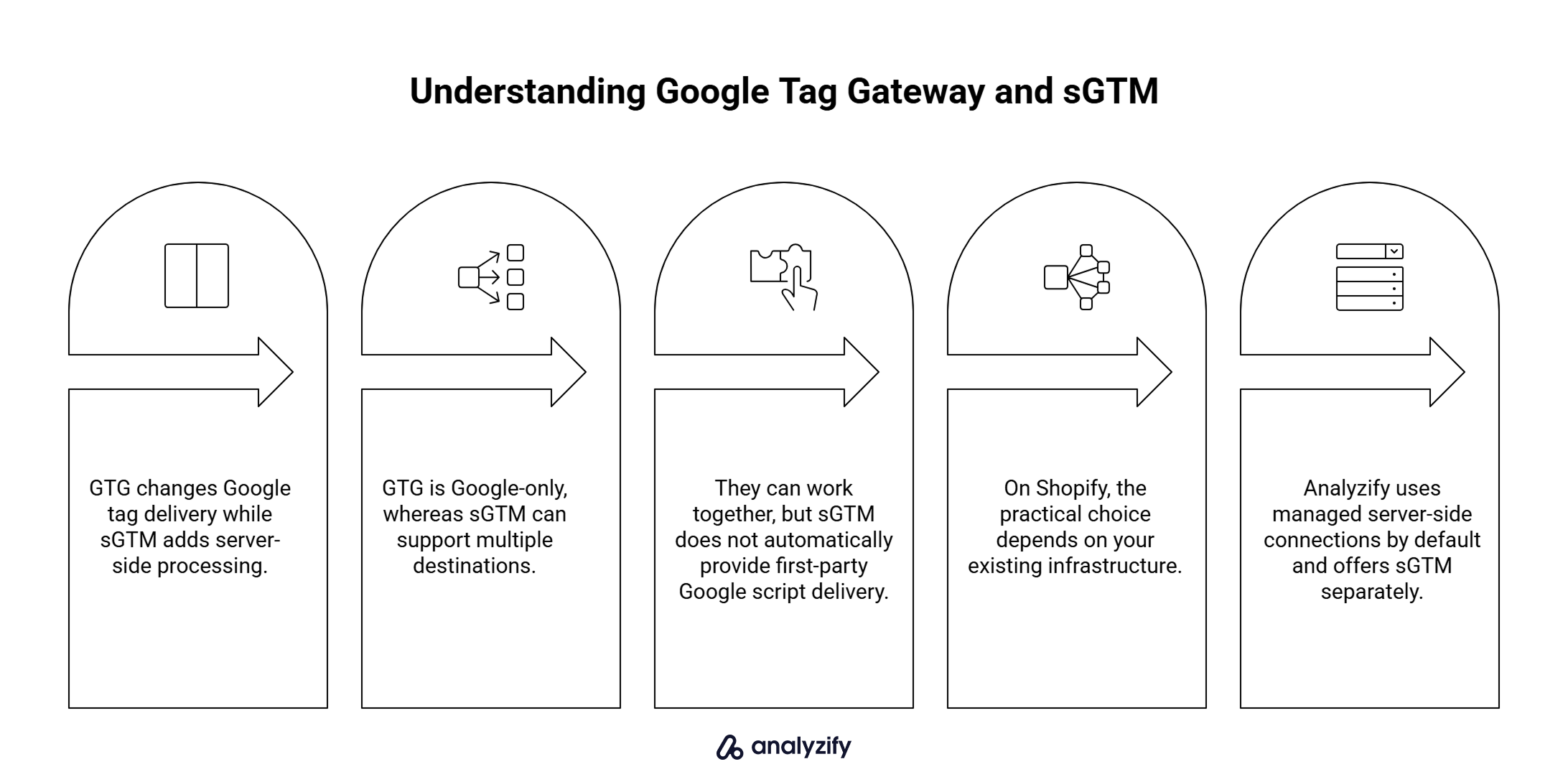
- GTG and sGTM solve different problems. GTG changes Google tag delivery; sGTM adds a server-side processing layer.
- GTG is Google-specific. sGTM can work with multiple destinations.
- They can work together. sGTM does not automatically include first-party Google script delivery.
- For Shopify, implementation is the deciding factor. Your existing infrastructure determines which option is practical.
- Server-side tracking does not always mean sGTM. Analyzify, for example, uses managed server-side connections by default and offers sGTM separately.
What Is the Difference Between Google Tag Gateway and Server-Side GTM?
They solve different problems.
Google Tag Gateway changes the delivery path. It loads Google’s tag scripts through your own domain and routes supported measurement requests through your infrastructure before they reach Google.
Server-side GTM adds a server-side processing layer. A server container receives measurement data, processes it, and forwards it to configured destinations.
That is the whole conceptual difference. One reroutes Google’s traffic. The other adds a server-side layer for your measurement pipeline.
Here is how they compare on the points that actually matter:
| Google Tag Gateway | Server-Side GTM | |
|---|---|---|
| Main purpose | First-party delivery of supported Google tag traffic | Server-side processing and forwarding of measurement data |
| Google-only? | Yes | No, server containers can support many destinations |
| Processes events? | No | Yes |
| Requires a server container? | Not necessarily | Yes |
| Setup complexity | Lower when compatible infrastructure exists | Higher, needs server infrastructure |
| Shopify considerations | Limited by storefront infrastructure | Requires an sGTM setup you or a provider run |
| Can they work together? | Yes | Yes |
What Does Server-Side GTM Add Beyond Google Tag Gateway?
sGTM usually requires more infrastructure and ongoing management, so what do you get in return?
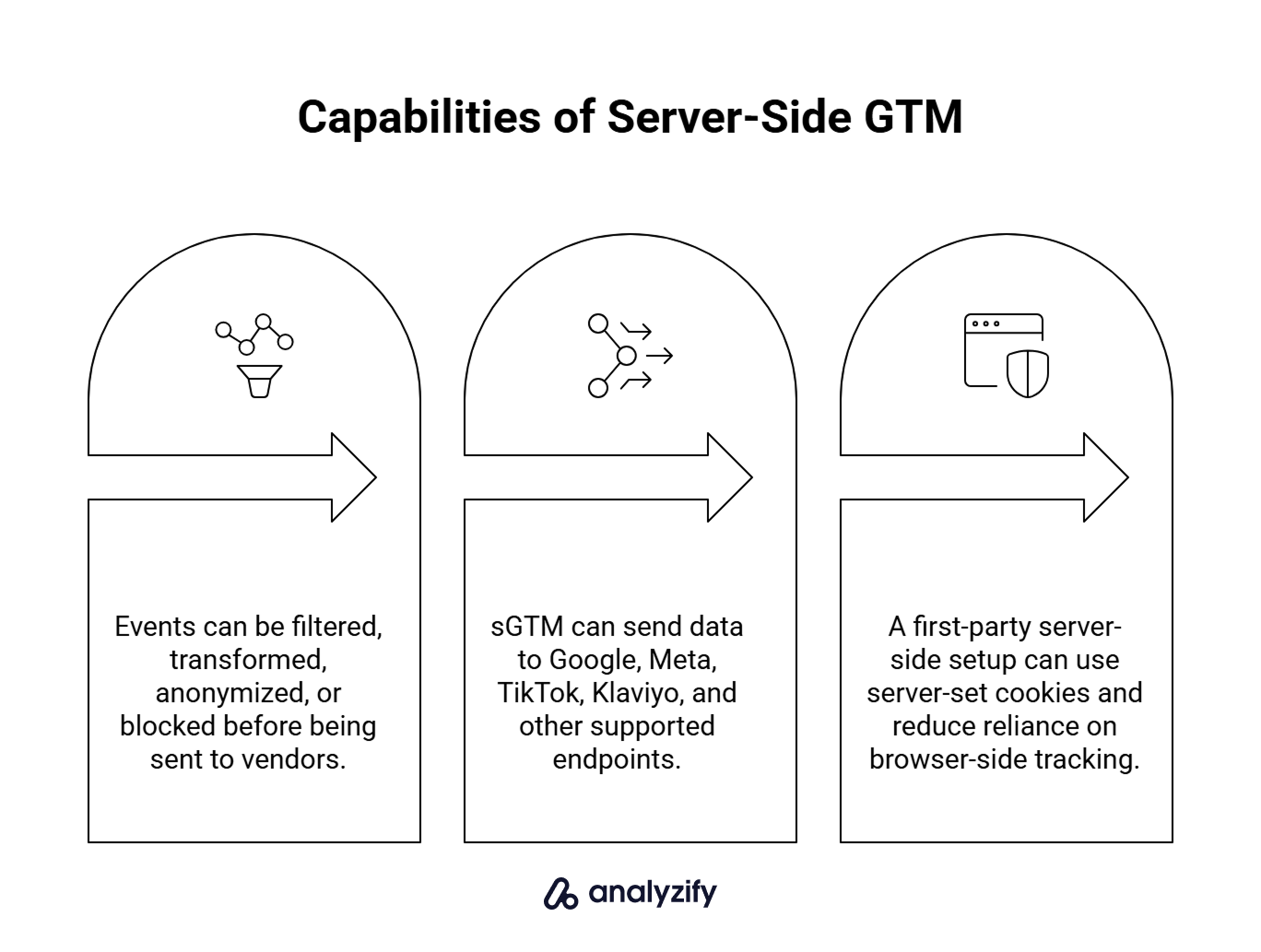
The short version:
More control over your measurement data
In a server container, incoming events can be validated, filtered, transformed, anonymized, or blocked before they reach vendors. You decide what gets sent, in what shape, and to which destination. Gateway does not touch this layer at all.
More than Google destinations
A server container can forward data to platforms beyond Google, such as Meta, TikTok, Klaviyo, or other endpoints, depending on how it is configured. Gateway is specifically about Google’s own tag delivery infrastructure.
Cookie durability and privacy benefits
With a first-party domain, sGTM can use server-set cookies, which can improve privacy and cookie durability. That is a separate benefit of a first-party server-side setup, not something you get simply from changing Google’s tag-delivery path.
None of this means sGTM is automatically the right choice. It means the extra setup effort buys a broader capability, not just a fancier Gateway.
Google Tag Gateway vs Server-Side GTM for Shopify
The right answer depends less on which technology is “better” and more on what you can actually implement on your store.
You run a standard Shopify storefront with client-side Google tracking
Neither option is a one-click addition on a standard Shopify storefront. The usual Cloudflare Gateway route is not supported there, because Shopify does not support Cloudflare proxying of storefronts. sGTM requires a tagging server you have to run somewhere. The practical path depends on which type of infrastructure you are willing to add.
You already run a server-side GTM setup
Gateway can still add something. Your server container is handling the collection layer, but the client-side loading of Google scripts is a separate question. If you have not configured first-party Google script delivery through server-side GTM, Gateway can address that layer.
Your Google tags are managed by an app
Whether Gateway can be applied depends on what that app exposes. If the app manages the Google tag on your storefront, you are not the one deciding how it is loaded.
For a deeper look at the Shopify-specific Gateway decision, see Do You Need Google Tag Gateway on Shopify?.
Is Google Tag Gateway Cheaper or Easier Than Server-Side GTM?
Usually simpler, but they are not the same product.
Gateway can be close to free when your existing infrastructure supports it. Cloudflare’s Google Tag Gateway integration is free for sites already proxied through Cloudflare. If a compatible setup is already in place, the additional cost of enabling Gateway can be minimal.
Server-side GTM usually carries ongoing hosting and management costs because it runs a server-side processing layer. You need a tagging server running somewhere, whether on Google Cloud, a third-party sGTM host like Stape, or your own infrastructure.
Comparing them on cost alone is misleading. sGTM is a bigger investment because it does more.
Do You Need Google Tag Gateway If You Already Have Server-Side GTM?
Possibly, yes.
sGTM does not automatically include what Gateway does. Server-side GTM handles what happens after events arrive at your container. It does not automatically change how Google’s client-side scripts are loaded on your storefront. Google Tag Gateway and server-side GTM can be used together, and each layer solves a different part of the setup.
If your sGTM setup includes first-party script delivery for Google tags, Gateway has less to add. If it does not, Gateway can still help by routing that specific layer through your own domain.
If you are unsure, check with whoever manages your sGTM setup whether your Google scripts are already being served first-party.
What If You Already Use Server-Side Tracking on Shopify?
Server-side tracking does not always mean sGTM.
Some Shopify tracking solutions manage server-side connections without giving the merchant a Google Tag Manager server container. That distinction matters for the GTG vs sGTM decision, because a merchant who “already has server-side tracking” may not actually have sGTM.
Analyzify works this way by default. The standard Analyzify subscription includes managed server-side connections running through Analyzify’s own servers, currently covering destinations like GA4 purchase events, Meta, TikTok, and Klaviyo. sGTM is available as a separate optional add-on for merchants who specifically want a server-container setup.
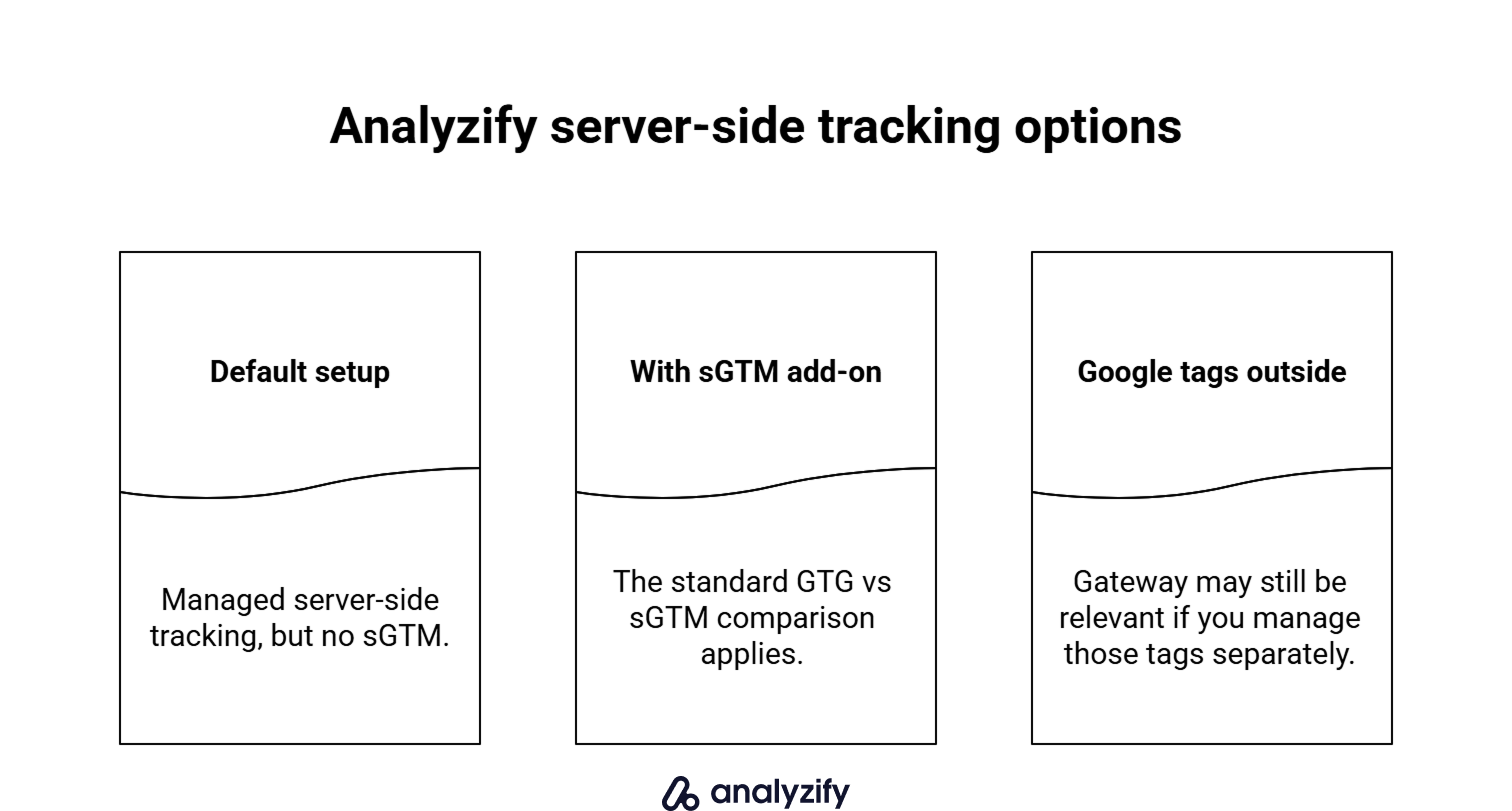
That gives Analyzify merchants three practical positions in the GTG vs sGTM discussion:
- Default Analyzify subscription (no sGTM add-on) - You have managed server-side tracking, but not sGTM. If you are considering sGTM, the sGTM guidance in this article applies. Gateway is relevant only where you control the Google tag delivery path.
- Analyzify with the sGTM add-on - The general comparison applies to you like any other sGTM user.
- Google tags outside Analyzify - Gateway can still be relevant for tags you manage independently, since those sit outside Analyzify-managed delivery.
Separately, Gateway does not currently change how Analyzify-managed Google tags are delivered. Those tags use Google’s standard infrastructure, and Analyzify does not currently expose a merchant-specific Gateway endpoint for them.
Which Setup Should You Use?
Choose Google Tag Gateway if:
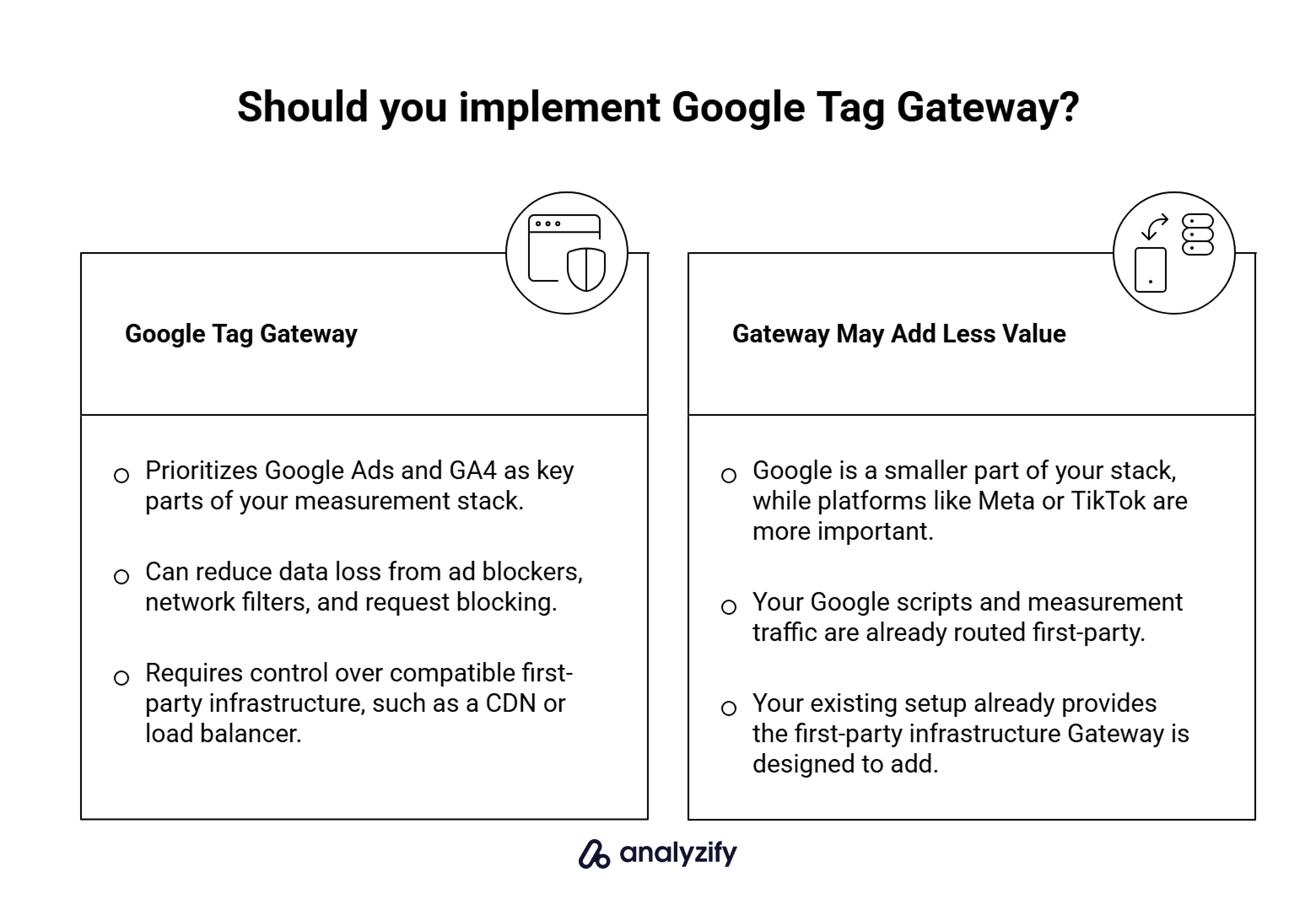
- Your main goal is recovering Google measurement signals lost to blocking or tracking prevention.
- You have (or can easily add) a supported infrastructure path.
- You do not need a broader server-side processing layer just to solve this specific problem.
Choose server-side GTM if:
- You want to move measurement processing off the browser for reasons beyond Google.
- You work with multiple destinations, not just Google, and want centralized control.
- You need transformations, filtering, or enrichment before events reach their destinations.
Use both if:
- You already run sGTM and also want first-party Google script delivery.
- You are building a broader first-party measurement architecture and want each layer doing its job properly.
Use managed server-side tracking if:
- You want supported server-side connections for core marketing platforms without operating an sGTM setup yourself. Analyzify takes this approach by default, while sGTM remains available separately for merchants who need that architecture.