










Google has been recommending Google Tag Gateway to merchants through account managers and in-product prompts inside Google Tag Manager. The pitch is that it improves tracking, but most merchants are not told what actually changes when they turn it on, or whether the standard setup even works on Shopify.
This article answers the decision. What Gateway does, whether it makes sense on Shopify, and whether you need it if you already run Analyzify or another tracking layer.
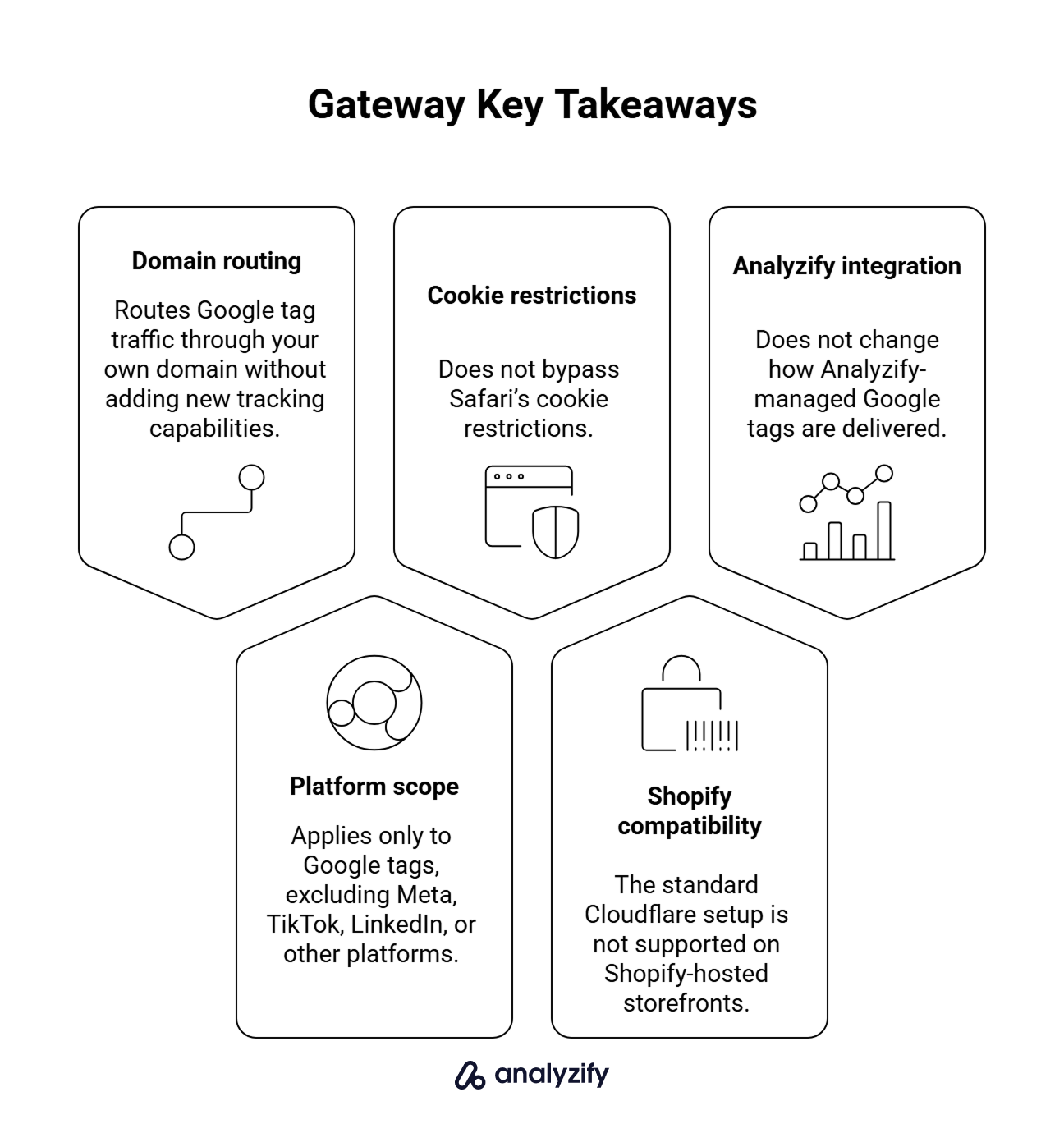
Key Takeaways
- Gateway routes Google tag scripts and supported measurement requests through your own domain. It does not add new tracking capabilities.
- Gateway only proxies supported Google tag traffic. Meta, TikTok, LinkedIn, and other non-Google measurement requests are not routed through your domain.
- It does not remove Safari’s cookie restrictions on its own.
- The standard Cloudflare-in-front-of-site setup is not supported for standard Shopify-hosted storefronts.
- For Analyzify users, enabling Gateway externally does not change how Analyzify-managed Google tags are delivered.
What Does Google Tag Gateway Actually Do?
Google Tag Gateway is a delivery-path change, not a tracking feature.
In a normal setup, the browser loads gtag.js or gtm.js directly from googletagmanager.com and sends measurement data to Google’s collection endpoints. With Gateway enabled, the browser loads the same scripts from a path on your own domain, and supported measurement requests are routed through your infrastructure before reaching Google.
The proxy layer can be a CDN in front of your site, a load balancer or web server you control, or a server-side tagging container. Cloudflare offers a direct integration for sites already proxied through it.
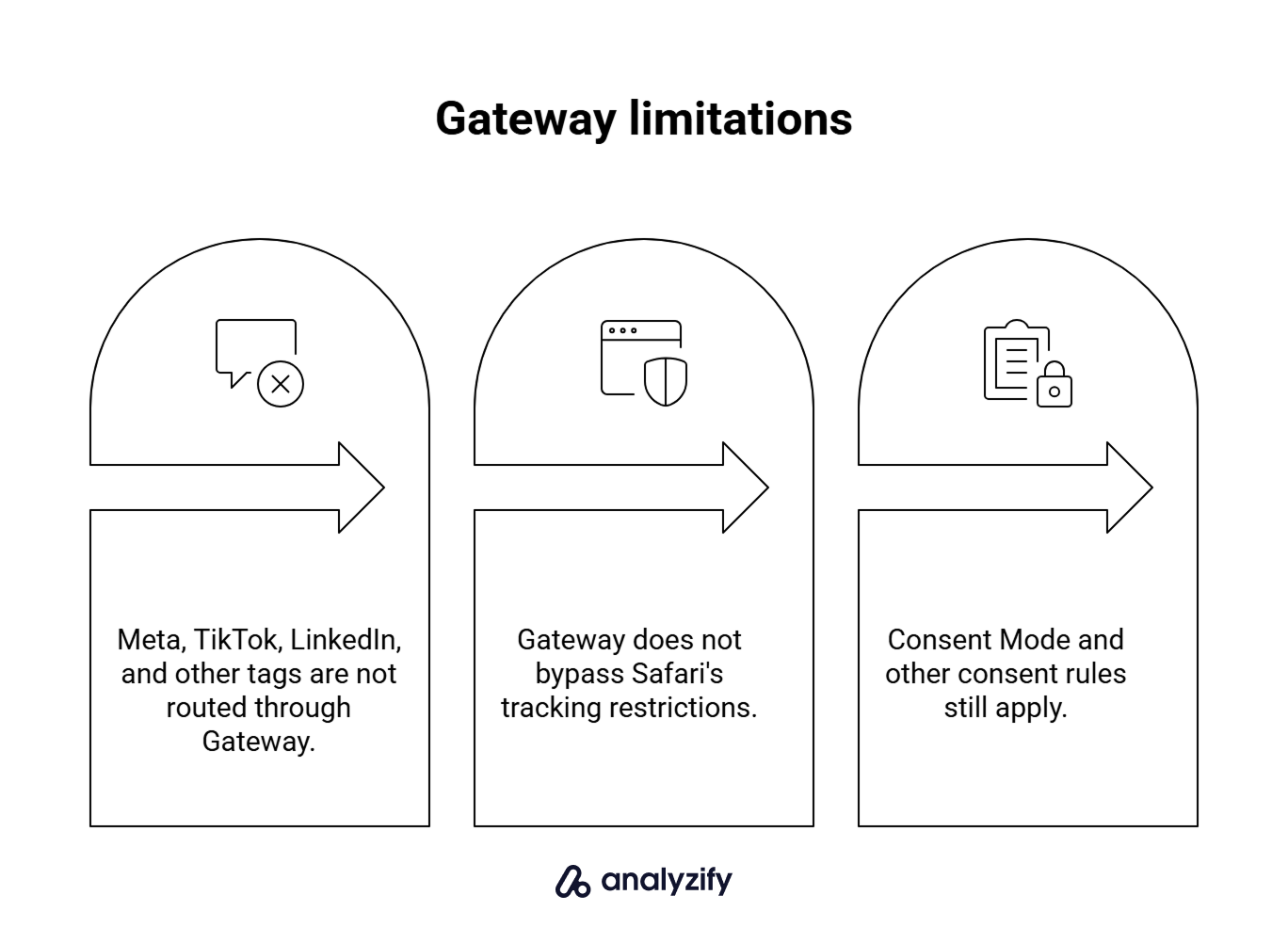
What Gateway does not solve
Gateway sits on a specific layer of the tracking stack. A few things it does not do:
- Non-Google tags. Gateway does not proxy Meta Pixel, TikTok Pixel, LinkedIn Insight Tag, or other vendor measurement requests through your domain. They continue to load from their own domains and send events to their own endpoints.
- Safari’s cookie restrictions. Safari’s Intelligent Tracking Prevention can delete cookies created by JavaScript after seven days without user interaction with the site. Routing requests through your own domain does not remove that.
- Consent. Gateway does not bypass Consent Mode or user-consent obligations. Enabling it can affect tag firing behavior where consent applies, which is worth checking after setup.
Why Is Google Recommending Google Tag Gateway?
Browser tracking prevention, network filters, and content blockers cut off a share of measurement requests before they reach Google. Gateway is Google’s way of recovering some of that lost signal by moving the tag delivery path onto your own domain. That is why the recommendation applies broadly (Google Ads, GA4, and other Google measurement products) rather than being specific to one product.
Does Google Tag Gateway Actually Recover More Data?
Google reports that advertisers who configured Gateway saw 11% more measurement signals than tags operating without it. That figure is an average across the advertisers Google measured. It is not a per-store prediction, and your recovery depends on how much of your current Google tag traffic is being blocked in the first place.
Can You Use Google Tag Gateway on Shopify?
Yes, but Cloudflare setup is more complicated on a standard Shopify-hosted storefront. Cloudflare provides an O2O configuration specifically for Shopify, but Shopify does not officially support Cloudflare proxy setups, including O2O, and warns that they may cause issues with SSL, resiliency, and bot detection.
Further reading:
Cloudflare: Shopify O2O configuration Shopify: Troubleshooting Cloudflare Proxy presence
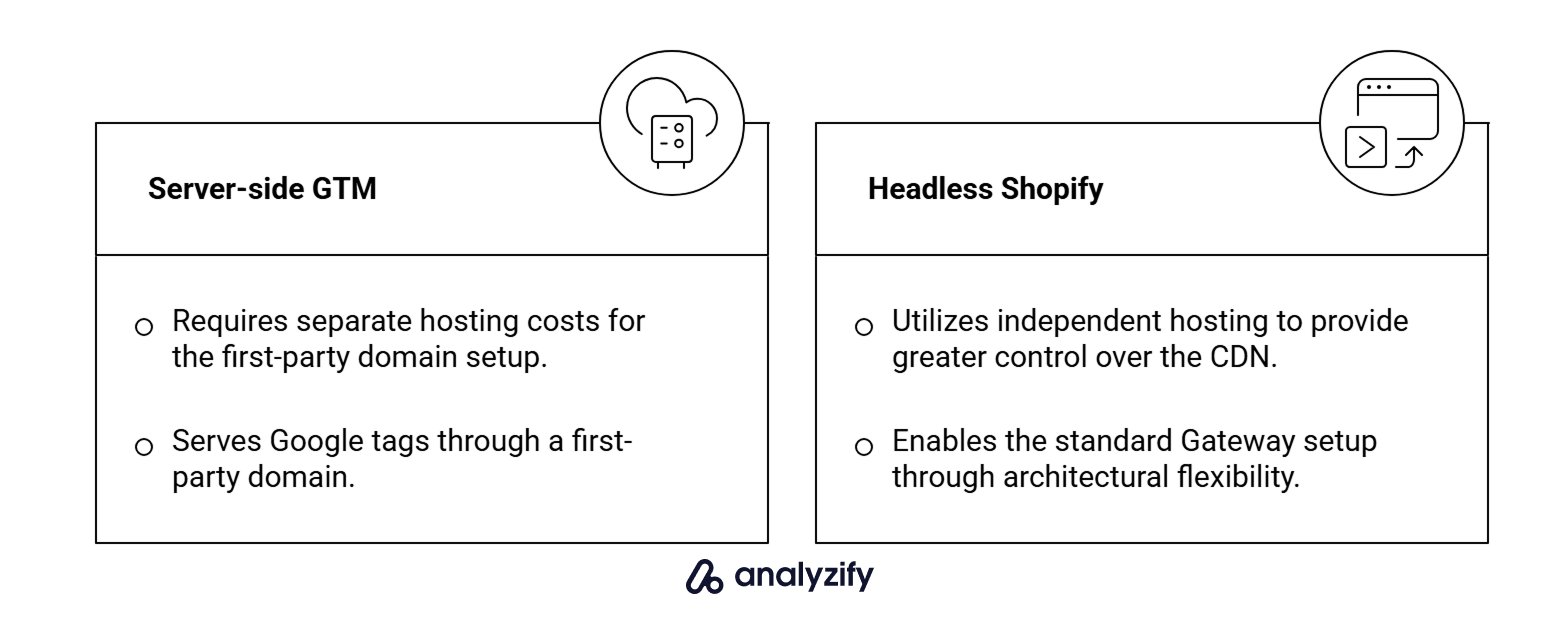
That means Shopify merchants need another supported implementation path. The main options:
- A server-side GTM setup that can serve Google tags through a first-party domain. Google documents this configuration for loading Google scripts first-party with server-side tagging. A server-side setup has its own hosting cost, separate from Gateway itself.
- Headless Shopify stores. If your storefront is hosted independently of Shopify’s own infrastructure, you may have more control over the CDN and origin layer, which can make the standard Gateway setup viable again.
If your Google tags are managed by an app rather than your own GTM implementation, whether Gateway can be used for those tags depends on what that app supports.
Google Tag Gateway vs Server-Side Tagging
Gateway and server-side tagging are not the same thing, and they can be used together.
Gateway changes how Google scripts and supported measurement requests are delivered through the browser. Server-side tagging routes measurement data through a server container where events can be processed and forwarded. Having server-side tagging in place does not automatically mean your Google scripts are being served first-party. That is a separate configuration.
Do You Need Google Tag Gateway If You Use Analyzify?
Gateway does not inherently conflict with Analyzify. The specific point that matters is how Analyzify-managed Google tags are currently delivered:
- Analyzify’s managed Google tags currently use Google’s standard infrastructure.
- Analyzify does not currently offer a configuration that routes those tags through your own Gateway endpoint.
- So turning Gateway on separately does not change how Analyzify-managed Google tags are delivered.
Gateway can still help with Google tags you manage outside Analyzify. Examples include:
- A manually placed Google tag on a non-Shopify property.
- A separate GTM container you run for a marketing subdomain.
- Google tags on a landing page hosted outside your storefront.
Those tags can benefit from Gateway if the underlying infrastructure supports it.
Important Note: Implementing Google Tag Gateway would not currently provide a direct advantage to the Google tracking managed through Analyzify. It is compatible in the sense that it should not interfere with the existing setup, but it is neither required nor something we would recommend as a necessary addition to the current Analyzify implementations.
Should You Enable Google Tag Gateway?
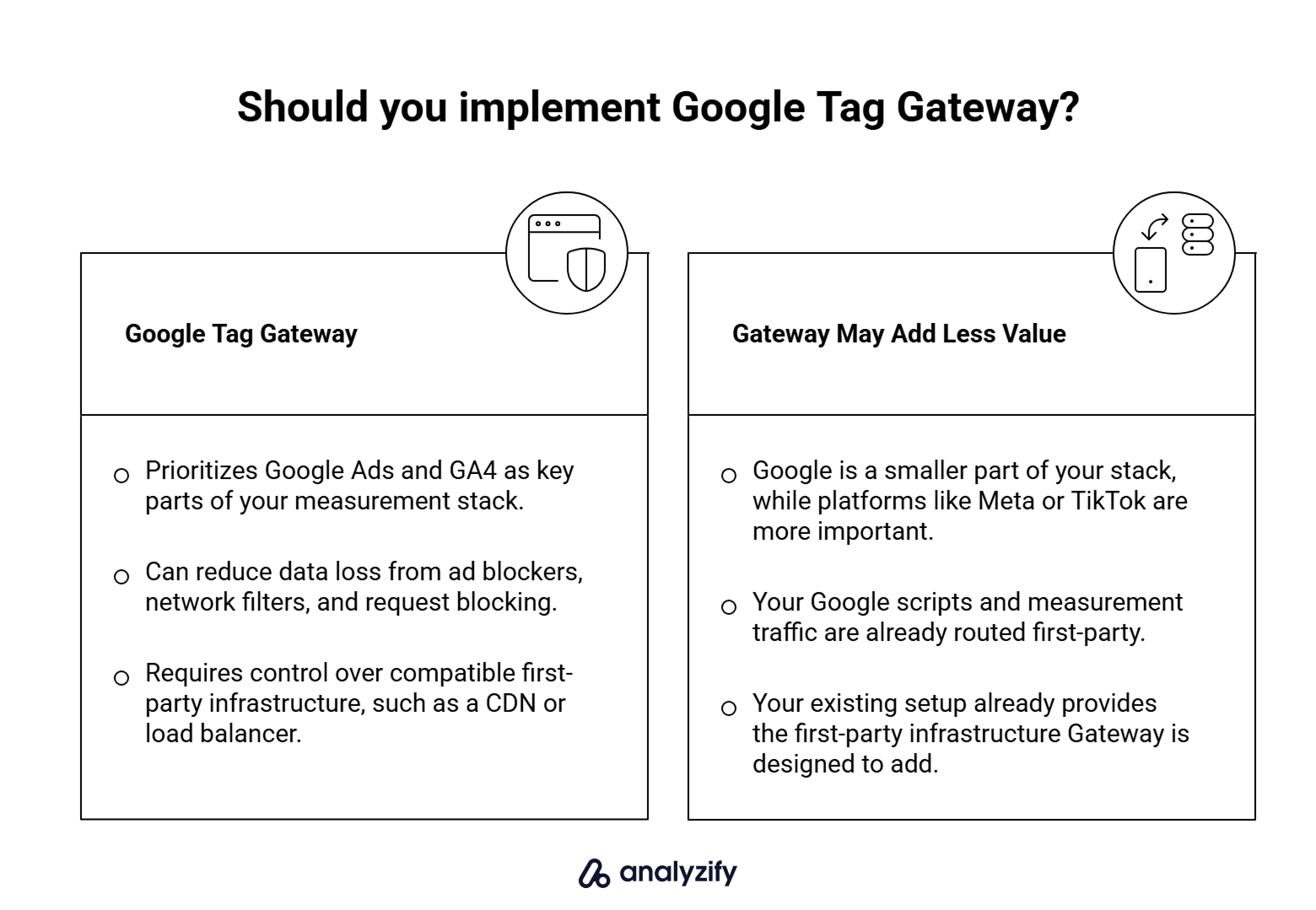
Consider enabling Gateway if:
- Google Ads or GA4 is a meaningful part of your measurement stack.
- Your current Google tag delivery is exposed to ad blockers, network filters, or browser tracking prevention.
- You have a supported implementation path (a server-side GTM setup, a headless storefront with CDN control, or a non-Shopify site where Cloudflare is viable).
The benefit will be smaller if:
- Your Google scripts and measurement traffic are already served first-party through an existing setup.
- Google is a small part of your stack, and your primary ad platforms (Meta, TikTok) sit outside Gateway’s scope.
For most merchants on a standard Shopify storefront, the first question is whether you have a viable implementation path. The standard Cloudflare route is not available, so Gateway generally requires a compatible server-side setup or separately controlled infrastructure.
If you use Analyzify and want to confirm how your Google tags are currently delivered, or you are weighing whether to add server-side tagging to your setup, Analyzify support can walk through your specific configuration.