










You can see the cart adds happening in Shopify. Sessions add products to cart, some reach checkout, and then they leave. When you check your Klaviyo cart abandonment flow, the enrolment numbers do not match the activity you can see on the storefront side.
Klaviyo did recently upgrade how it tracks Added to Cart on Shopify, sending the event from the server rather than through a script running in the visitor’s browser. That change closed one whole class of loss. Several other reasons still leave cart flows enrolling fewer people than expected, which is what this article walks through.
Key takeaways
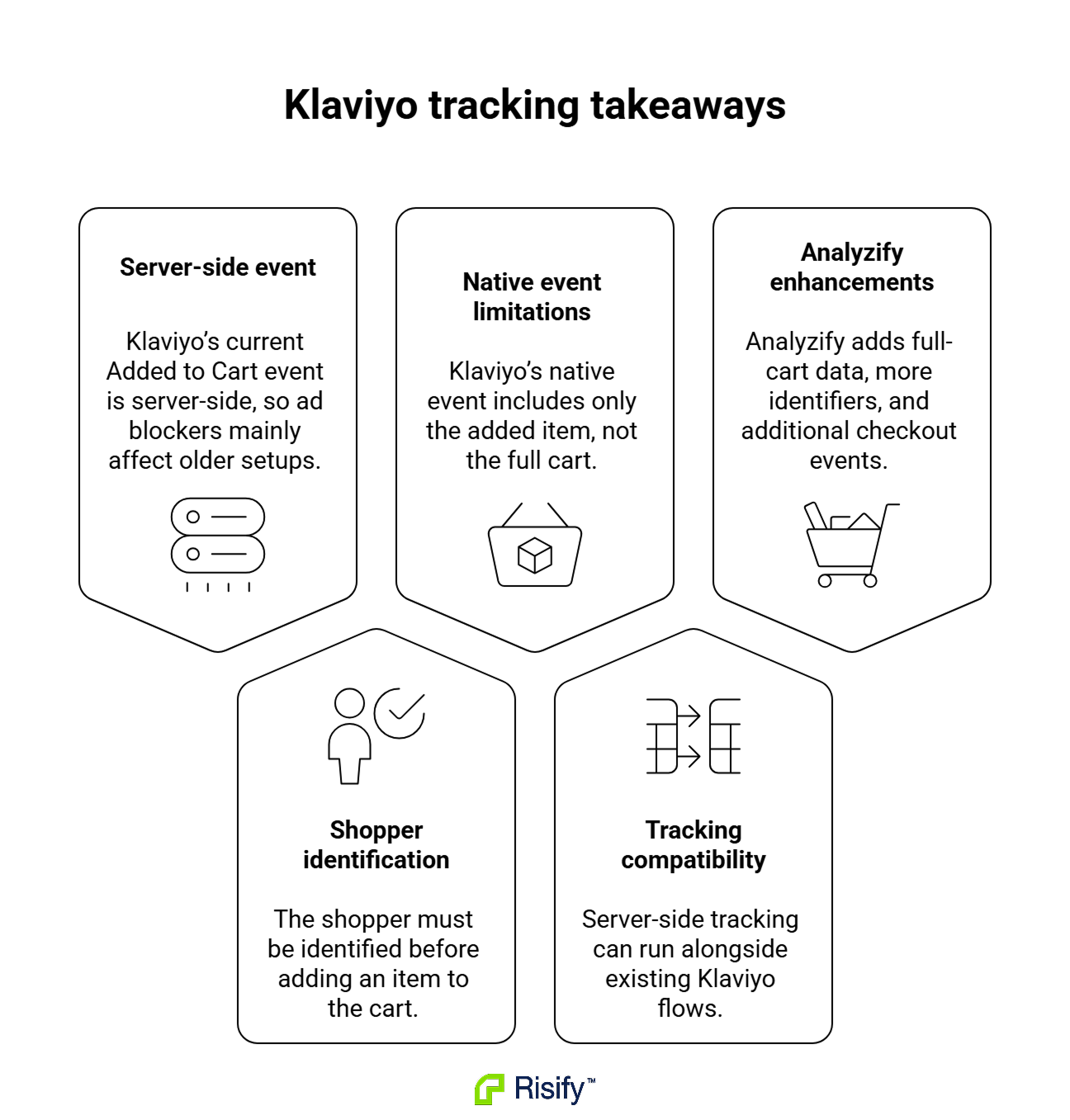
- Klaviyo’s current Shopify integration sends Added to Cart from the server rather than the browser, so the classic “ad blockers dropped it” story only fully applies to older, snippet-based setups.
- The current setup needs Klaviyo to identify the shopper before the cart action, and earlier anonymous cart activity may not become available as a trigger after the shopper identifies later.
- Klaviyo’s native Added to Cart carries the item just added, not the full cart, which limits what your abandonment email can show and segment on.
- Server-side and native integrations run in parallel through separately named metrics, so you can add coverage without touching your existing flows.
- Analyzify’s Klaviyo server-side integration adds broader identifier inputs, unique funnel events like Added Shipping Info and Added Payment Info, and finer location data.
How Klaviyo’s cart abandonment flow decides who gets an email
The flow reacts to a specific pattern of events, and if any piece of that pattern is missing, no email goes out. Working out where your enrolment is leaking starts with understanding what the flow actually looks for.
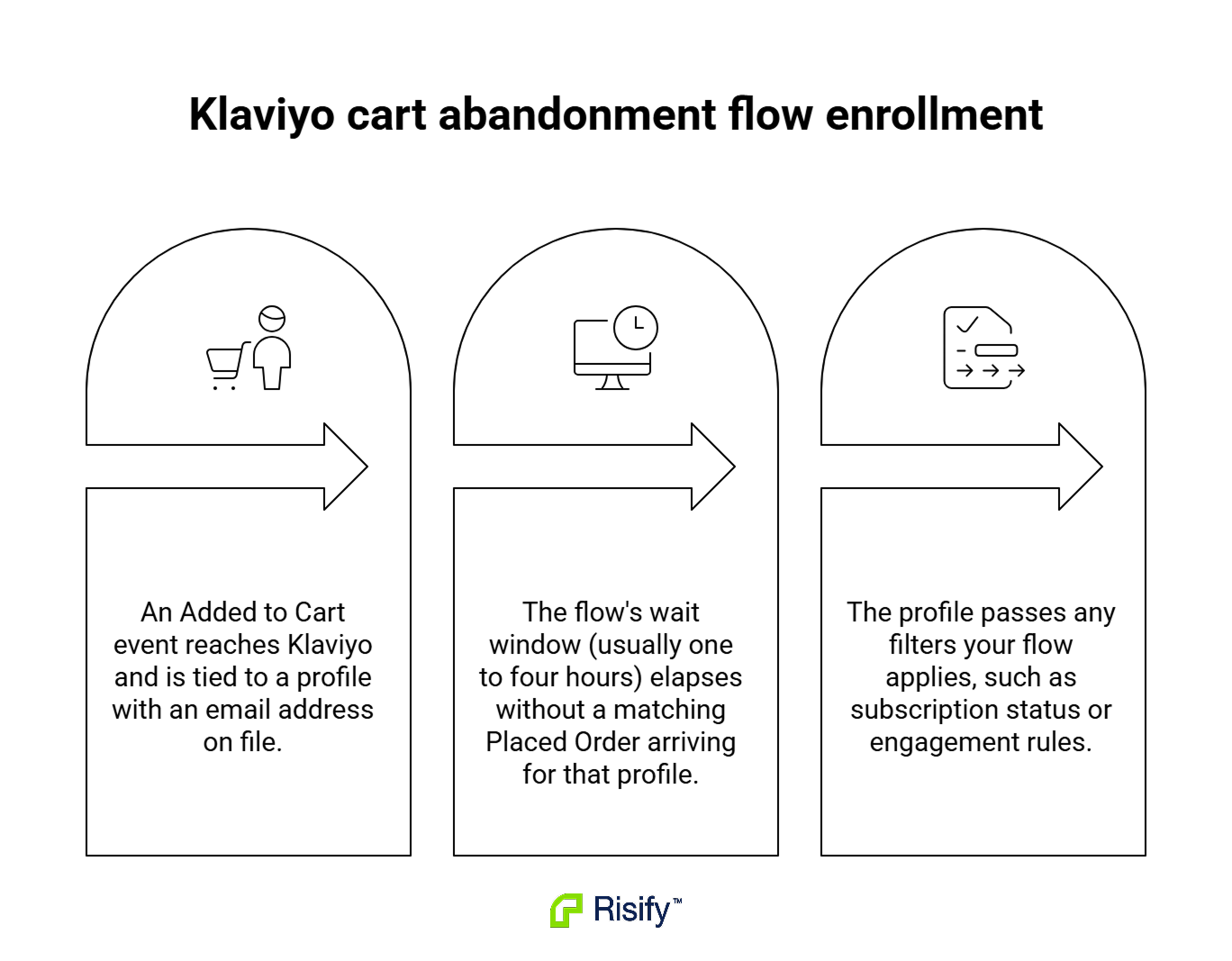
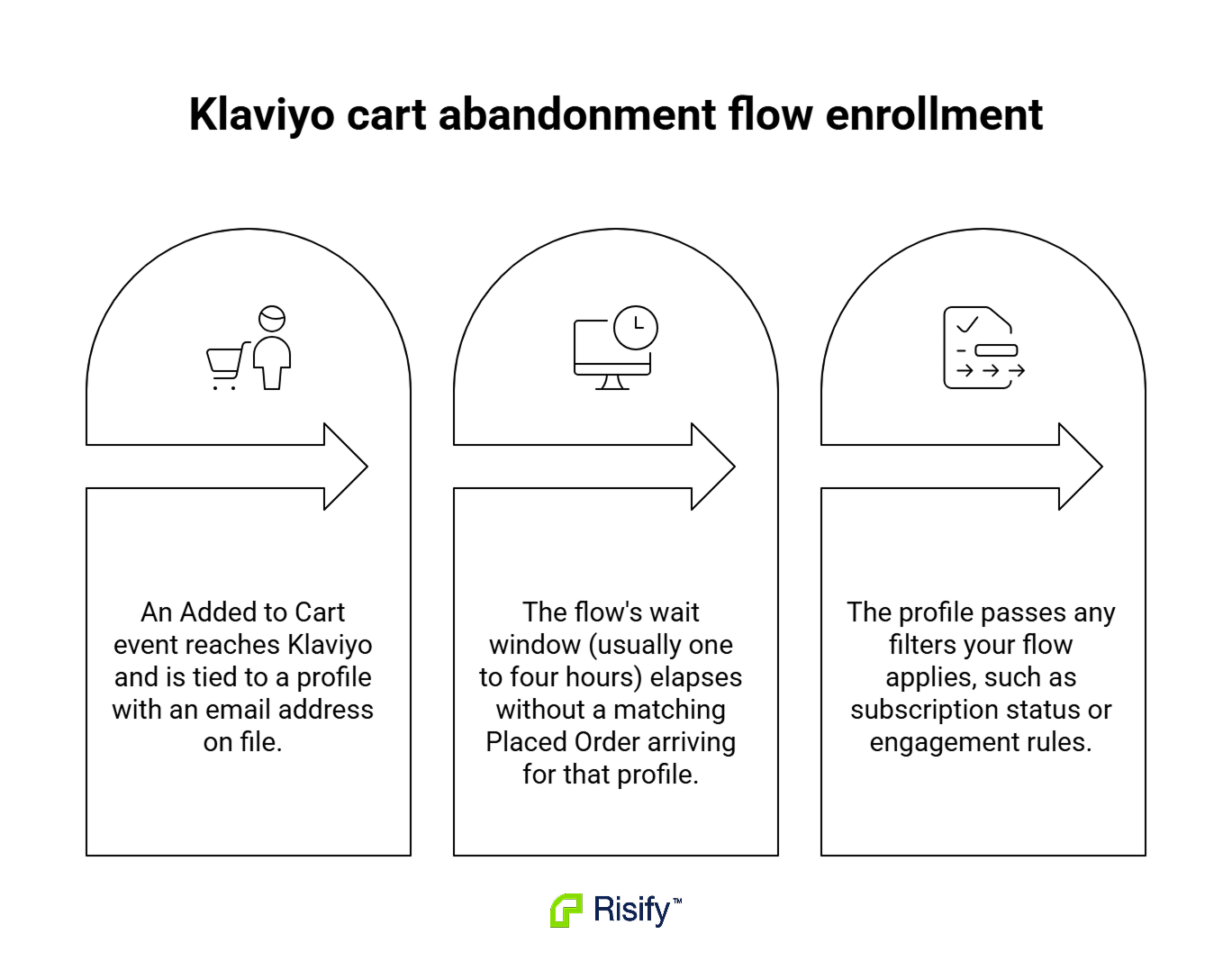
Klaviyo enrols someone in the cart abandonment flow when three things line up:
- An Added to Cart event reaches Klaviyo and is tied to a profile with an email address on file.
- The flow’s wait window (usually one to four hours) elapses without a matching Placed Order arriving for that profile.
- The profile passes any filters your flow applies, such as subscription status or engagement rules.
If any one of these is missing, no email is sent. Klaviyo does not report on events it never received.
If the event never arrives, or arrives without an identifier, Klaviyo has no record to display and nothing in the dashboard to flag. This is what makes the loss difficult to spot from within Klaviyo itself.
The reason this matters more than it used to is that Klaviyo recently changed how it collects the Added to Cart event on Shopify. It now sends the event from the server rather than through a script running in the visitor’s browser. That fix removed the biggest source of loss on this event. Several other conditions still decide whether the event arrives and whether the flow can act on it.
Three reasons your cart abandonment flow is enrolling fewer people than you expect
On the current Klaviyo setup, the losses are quieter and harder to spot because the obvious culprits (ad blockers, browser cookie limits, slow-connection script failures) are largely off the table. Three factors explain many of the gaps merchants see today.
The cart event only fires when Klaviyo already knows who the shopper is
Klaviyo’s own testing instructions tell you to identify the profile first (submit a Klaviyo or Shopify form, enter a checkout email, log into an account), then perform the cart action.
If the shopper adds to cart before any of those has happened, the cart event is not created for that action at all.
- Klaviyo does support backfilling some anonymous activity onto a profile once the shopper identifies later, but that backfill covers browser-tracked events like Viewed Product and Active on Site. It does not retroactively create the server-side cart event that was never sent in the first place.
The most commercially relevant scenario is a specific one. A shopper adds to cart while anonymous, provides their email later (in a popup, at checkout, or through a login), then leaves without buying. They are now emailable, but the earlier cart action is not sitting on their profile as a trigger. The abandonment flow cannot see them.
Consent settings and profile eligibility gate what gets tracked and messaged
For visitors in the EU, EEA, UK and Switzerland, Klaviyo may not track onsite events at all unless the shopper has given consent through your Shopify Customer Privacy setup. That silently reduces the population your flow can enrol in those markets, no matter how the events are delivered.
- Even when tracking succeeds, profiles marked Never Subscribed sit in a grey area: they can technically receive certain flow emails like cart reminders, but many stores filter them out for safety and compliance reasons, which trims enrolment further.
The same underlying cart action can be tracked, partially tracked, or excluded from the flow depending on where the shopper is and how your flow filters are set. This is often expected behaviour under your consent and flow configuration. Either way, it means flow enrolment counts will trail raw cart activity to some extent.
The native cart event carries the item just added, not the whole cart
Klaviyo’s own migration guide states plainly that its current Added to Cart event records only the item just added, not the other items already in the cart. Enrolment counts are unaffected. What changes is the flow’s email content and segmentation options.
- An abandonment email built off this event can show the last item added, but not the two or three items the shopper had already built up in their cart earlier in the same session.
This shapes both the email content and the segment logic. A rule like “abandoned cart over $100” or “abandoned cart including a specific category” becomes approximate rather than exact, because the event only knows about one item.
A note if you are still using the older Added to Cart snippet
Klaviyo has not removed the older, snippet-based Added to Cart method. If your store has not migrated to the current automatic tracking, that older setup is still fully client-side, which means ad blockers, Safari’s cookie limits and script failures on slow connections all still drop events before Klaviyo ever sees them. Klaviyo recommends migrating for coverage reasons alone. Once you have, the rest of this article applies.
How to tell if your cart abandonment flow is missing users
Before running any comparison, confirm which Added to Cart metric you are looking at in Klaviyo. Shopify-branded events come from the native Shopify integration. The current automatic Added to Cart event uses the Shopify icon and syncs through a Shopify Server Pixel.
A gear icon does not automatically mean an event is client-side. Older snippet-based Klaviyo events use a gear icon, but events sent through third-party integrations or the Klaviyo API, including Analyzify’s server-side metrics, may also display the same icon. Check the metric name and source before comparing results.
Once you know which metrics you are looking at, the rest of the diagnostic has to compare Klaviyo against something outside it, because Klaviyo cannot report on events it never received. The checks below will surface a gap if one exists. Treat the outputs as signals worth investigating rather than proof of a specific cause.
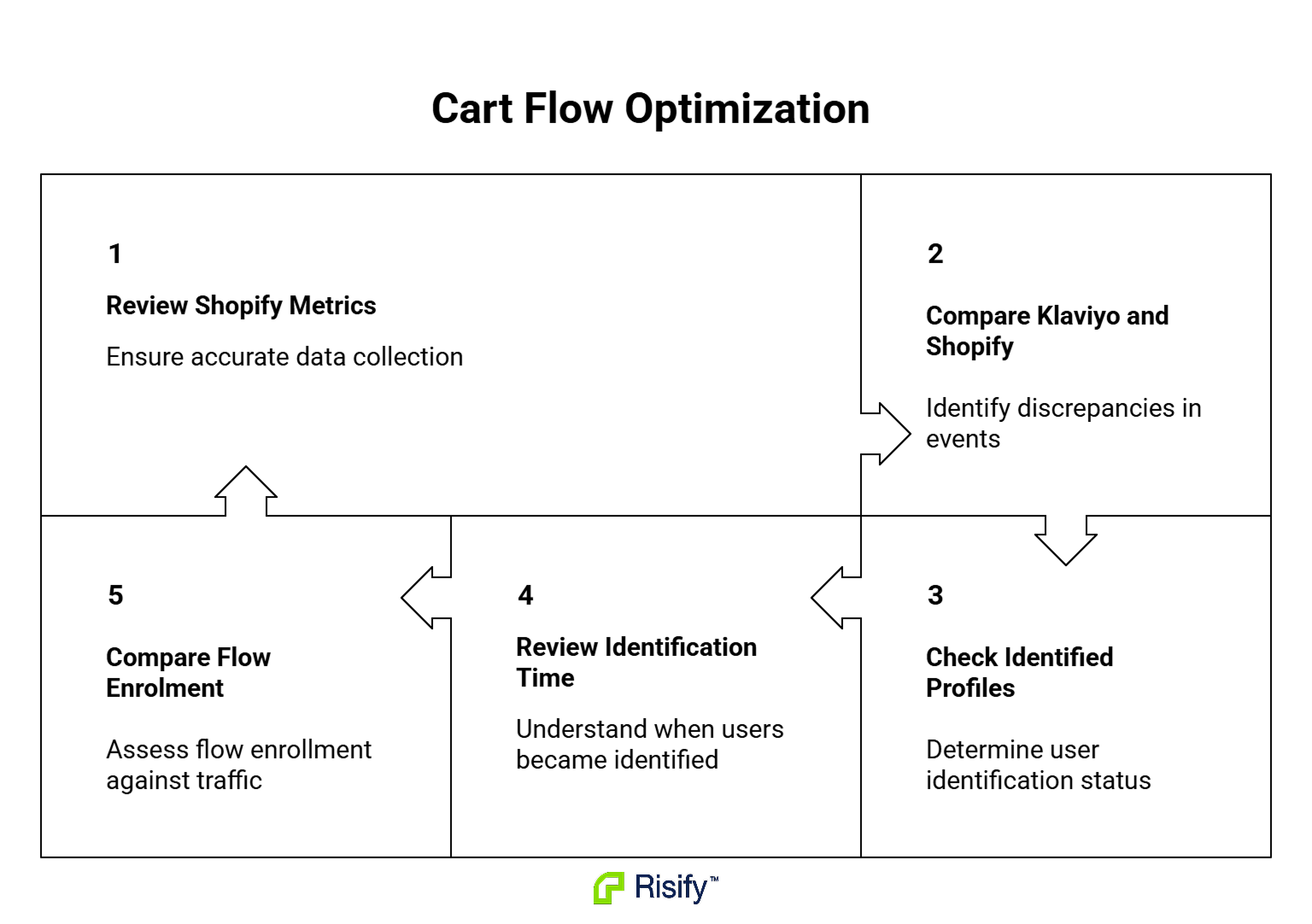
Compare Klaviyo’s Added to Cart count to Shopify’s abandoned checkout count
Pull both numbers for the same window, ideally the last 30 days. Klaviyo’s Added to Cart count should generally be higher than Shopify’s abandoned checkout count, because not everyone who adds to cart proceeds to checkout. If Klaviyo’s number is lower, or close to equal, that is a signal worth investigating.
- The two systems measure slightly different populations, so an exact match is not expected. What you are looking for is a large or persistent gap in the wrong direction.
Check how many cart events are attached to identifiable profiles
Filter Klaviyo’s Added to Cart metric by whether the profile has an email attached. On the current native setup, most of what you see should already be tied to identifiable profiles, because unidentified cart adds do not create events at all. If a meaningful share are still unidentified, the identification step somewhere in your checkout, popup or account flow is not doing its job well enough.
Look at what identified recent cart-event profiles
Open a handful of recent Added to Cart events in Klaviyo and trace back through the profile activity. See what identification action happened before the cart event: a Klaviyo form, a Shopify form, a checkout email entry, or an account login. If most of your identified cart profiles are being caught at checkout only, and few are being identified earlier through popups or account creation, that is the identification-timing gap showing up directly in your data. It also tells you where your identification flow needs work, regardless of what you decide to do about server-side tracking.
Compare flow enrolment against cart-page traffic
In your web analytics, count unique sessions that reached the cart page. Then look at how many people were enrolled in the cart abandonment flow over the same window. These will not match one-to-one because plenty of cart visitors never hand over an email. But if enrolment is a small fraction of cart-page traffic and you know a reasonable share of your visitors are returning, subscribed, or reach checkout, the gap is worth investigating further.
How to close the gap without breaking your existing Klaviyo setup
The instinct is often to rip out Shopify’s native Klaviyo integration and replace it with something else. For most stores, that is the wrong move.
The native integration is doing several things well. It handles server-side order events like Placed Order, Cancelled Order and Refunded Order through Shopify’s webhook system, reliably. And it now handles Added to Cart itself from the server. It makes sense to leave those pieces in place and add coverage alongside them.
- The opportunity is usually to identify more eligible shoppers and send richer cart data, while leaving the native event in place.
Adding a parallel server-side integration alongside the native one is the cleaner approach. Because the two write to separately named metrics inside Klaviyo, they run at the same time without conflict, and you can see both sets of coverage side by side.
How to combine two metrics inside Klaviyo properly
Klaviyo treats the native and any additional server-side cart event as two different triggers. You cannot use two different event names as an OR trigger inside a single metric-based Klaviyo flow. In practice, you either clone the flow for the second metric, or combine the two metrics through a segment.
The two supported patterns:
- Clone the existing flow, set the new metric as the trigger on the copy, and add exclusion filters between the two flows so a single shopper does not get enrolled in both for the same session.
- Build a segment that includes members based on either metric, then use “Added to Segment” as the flow trigger, with re-entry and exclusion rules configured on the segment itself.
Both are supported by Klaviyo. What is not supported is treating two differently named metrics as an OR condition on a single metric-based flow, and Klaviyo does not automatically deduplicate messages between two separately named metrics. So combining them requires one of the patterns above rather than a shortcut inside the flow trigger.
Once the native event is working correctly, the remaining question is what additional data and identification paths would improve the flow. This is where Analyzify’s Klaviyo server-side integration fits in. It sends its own metrics for Added to Cart, Checkout Started and additional funnel steps, so your existing native flows and metrics stay in place while you gain the extra coverage the next section covers.
What Analyzify’s Klaviyo server-side tracking adds beyond the current native setup
The current native integration is stronger than the version merchants remember from a couple of years back. It is server-side for Added to Cart, and it carries variant, brand, category, pricing and location data. Analyzify adds three things on top: broader identifier inputs, additional checkout-step events, and finer location data.
Broader identifier inputs across the site
Klaviyo’s native cart event fires only for shoppers already identified through a specific set of paths: a Klaviyo form, a Shopify form, a checkout email entry, or an account login. Analyzify recognises identifiers from a wider set of configured form sources, including Shopify checkout, Klaviyo forms, HubSpot forms, customer login and signup, and other configured lead-capture events.
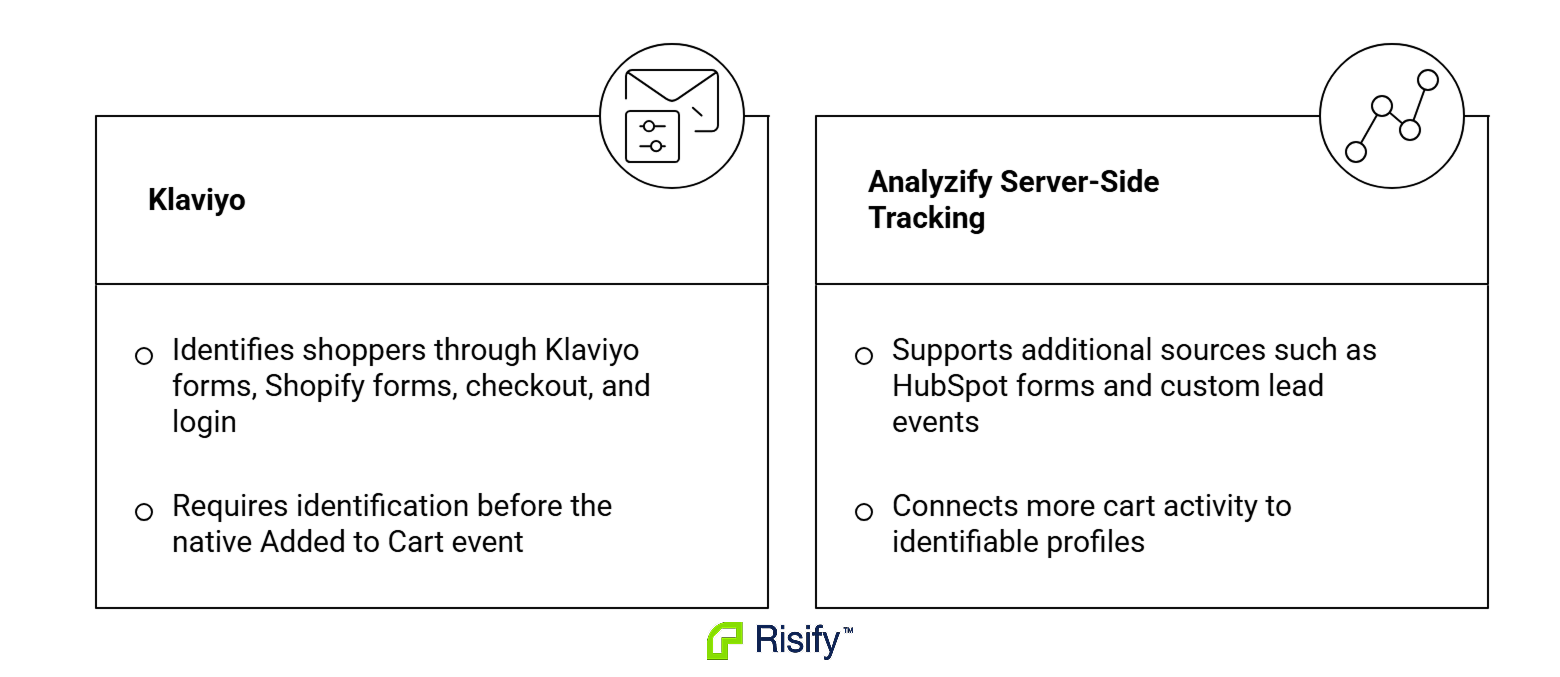
- This can increase the share of cart activity tied to identifiable profiles, particularly on stores where popup conversion is soft or customers do not typically log in.
The scale of the improvement depends on your specific form and identification setup. The additional capture surface itself is real and configurable.
Two funnel events the native integration does not send
Klaviyo’s native integration exposes Checkout Started and Placed Order, but nothing between them. Analyzify sends two events in that gap:
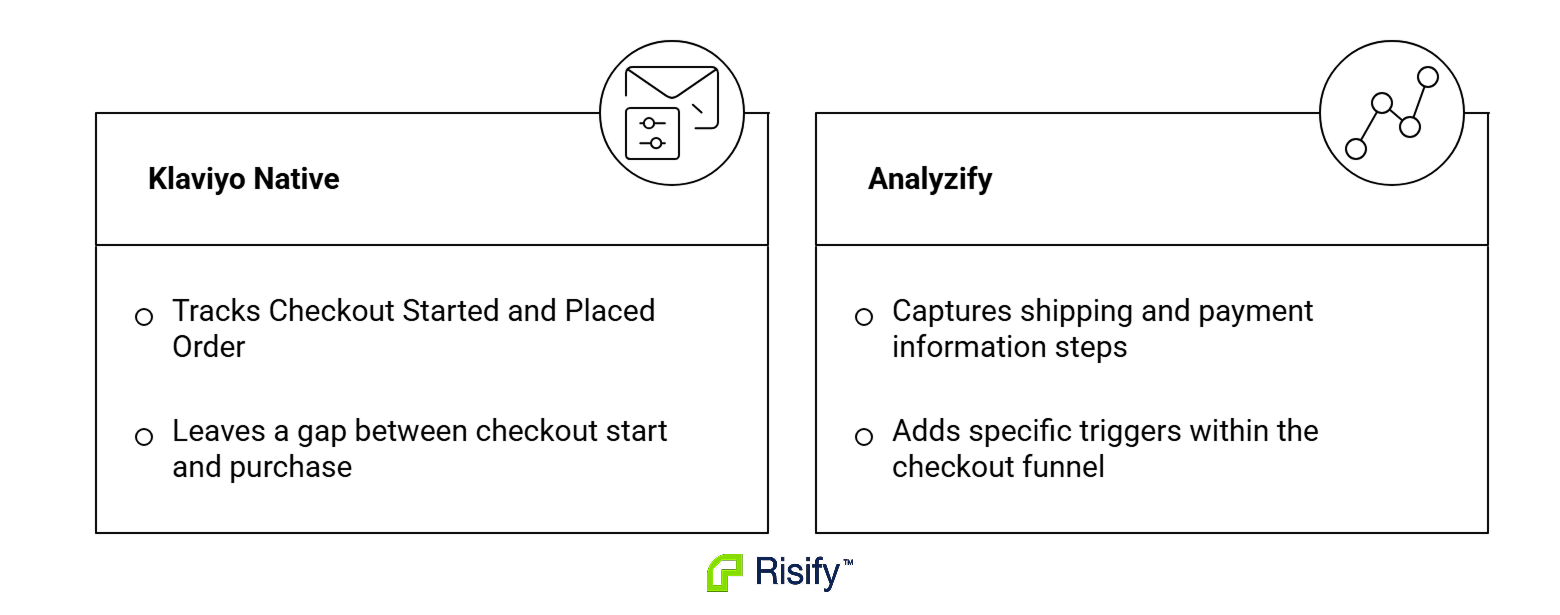
- Added Shipping Info fires when the shopper enters a shipping address in checkout, giving you a distinct trigger for shipping-friction abandonment.
- Added Payment Info fires at the final checkout step before payment, a high-intent moment for payment-friction abandonment flows.
These events let you build flows that respond to the exact checkout step the shopper reached, with more specific timing and messaging than a general cart-level flow.
Finer location data and separate metrics for parallel setups
Native Added to Cart carries country and region. Analyzify also sends city and ZIP, which supports geography-based personalization, shipping-cost logic and regional campaign targeting.
Because Analyzify writes to its own separately named metrics in Klaviyo, you can run both integrations at the same time and compare their coverage directly. That is what makes the parallel pattern described earlier practical rather than theoretical - you can point one flow at the native metric, another at the Analyzify metric, and see which coverage suits which segment of your audience.