










You can track every click, session, and conversion path in your store, and still may not know what actually drove the purchase.
A customer might click a Google ad before purchasing. But the real trigger could have been a friend’s recommendation, a TikTok they saw days earlier, or a product review that removed the final hesitation.
That context can’t exist in your tracking data. You can capture that with post-purchase surveys.
You can collect zero-party data directly from your customers, right after they complete a purchase, when the experience is fresh and the motivation is clear.
That’s a layer of insight that complements your tracking data and answers questions that contribute to behavioral analytics.
Key takeaways:
- Post-purchase surveys collect zero-party data directly from customers at the moment of highest engagement
- You capture discovery channels, purchase motivations, checkout experience, and satisfaction signals
- Analyzify Purchase Surveys appears on the Thank You page with pre-built templates, flexible question formats, and a visual analytics dashboard
- It works alongside your existing tracking setup to give you a more complete picture of what drives your sales
- Setup requires no coding and takes minutes
Why Post-Purchase Surveys Are a Valuable Addition to Your Data Stack
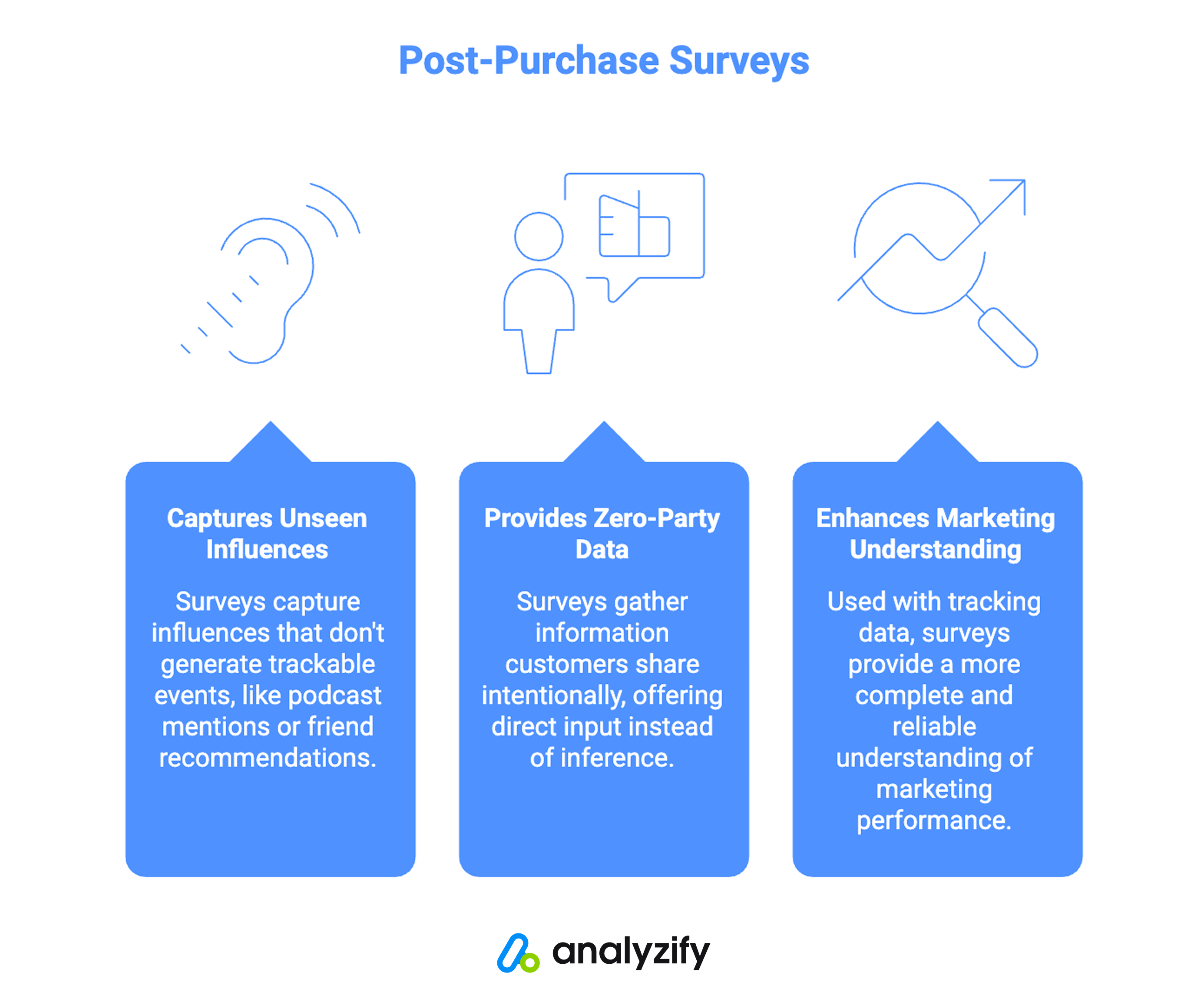
Attribution systems rely on measurable interactions like clicks, sessions, referrers, campaign data, etc.
But not every influence generates a trackable event.
A customer might hear about your brand on a podcast, see a product on social media without clicking, or get a recommendation from a friend. Days later, they search your brand name and purchase.
This is where post-purchase surveys add value. They capture what exists in the customer’s mind, not just what appears in the click path.
Zero-party data is information customers share intentionally. When someone tells you how they discovered your store or what convinced them to buy, you’re no longer relying on inference or modeling.
You’re working with direct input.
Used alongside your tracking data, post-purchase surveys give you a more complete and reliable understanding of your marketing performance.
What You Can Learn From Post-Purchase Surveys
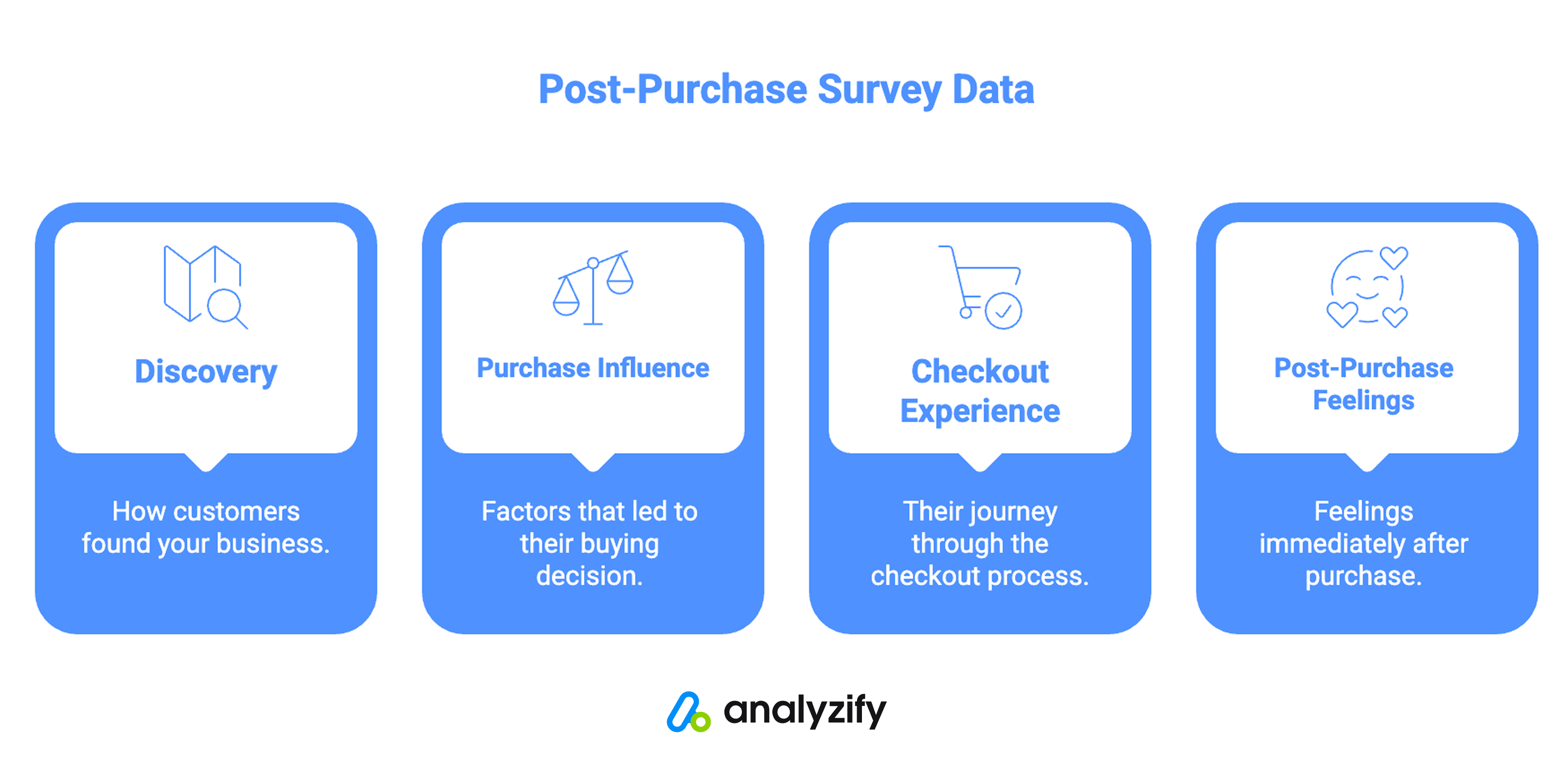
Depending on what you ask, a single post-purchase survey touchpoint can answer four fundamentally different questions about your customers and your store.
How Customers Discovered You
This is the attribution question: which channel, recommendation, or source first introduced someone to your store.
Surveys surface discovery channels that don’t always generate trackable clicks, including word of mouth, offline conversations, untagged content, and brand awareness that preceded any measurable interaction.
Understanding where customers actually come from helps you evaluate your full marketing mix more accurately.
What Influenced Their Purchase Decision
Knowing how someone found you is different from knowing what convinced them to buy.
Was it the price, a specific product feature, customer reviews, or something else entirely?
The answer tells you which parts of your store and offer are doing the conversion work, and which deserve more emphasis.
How They Experienced Checkout
Behavioral analytics can show you where customers dropped off during checkout. What they can’t show you is why customers who completed the purchase felt friction or confidence along the way.
Post-purchase surveys capture that experience directly from the customers most worth understanding: the ones who bought.
How They Feel Right After Buying
Post-purchase NPS captures customer satisfaction at the moment of highest engagement.
This early sentiment signal gives you a leading indicator of repeat purchase behavior and loyalty, information that takes months to appear in your order history but minutes to collect through a well-timed survey.
Post-Purchase Surveys and Attribution Data
Tracking shows you what happened. Surveys show you why it happened.
Analyzify already helps you track the complete customer journey from first click to purchase.
Post-purchase surveys add a direct feedback layer on top of that by providing what customers tell you about their experience and motivation, rather than what their behavior shows.
Used together, they give you a far more complete view of your customer journey and help you make decisions based on both behavioral data and real customer input.
For a deeper look at how Analyzify tracks the full purchase journey, see Purchase Attribution Report.
Exploring Analyzify Purchase Surveys
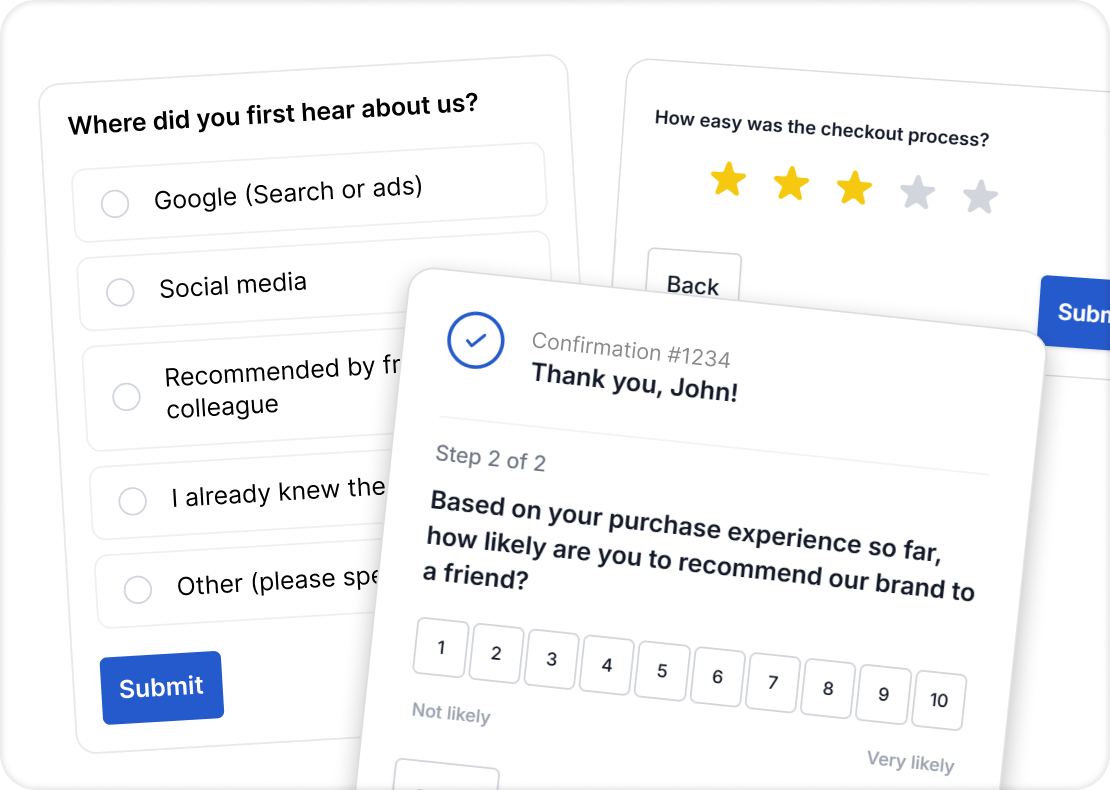
Analyzify Purchase Surveys is a post-purchase survey app that displays on the Thank You page immediately after a customer completes a purchase.
It collects zero-party data directly from your customers with no modeling, no inference, and no third-party data sources required.
The app is built for Shopify merchants who want direct customer feedback without a complex setup. You can collect responses within minutes of installing from the Shopify App Store, with no coding required.
Pre-Built Survey Templates
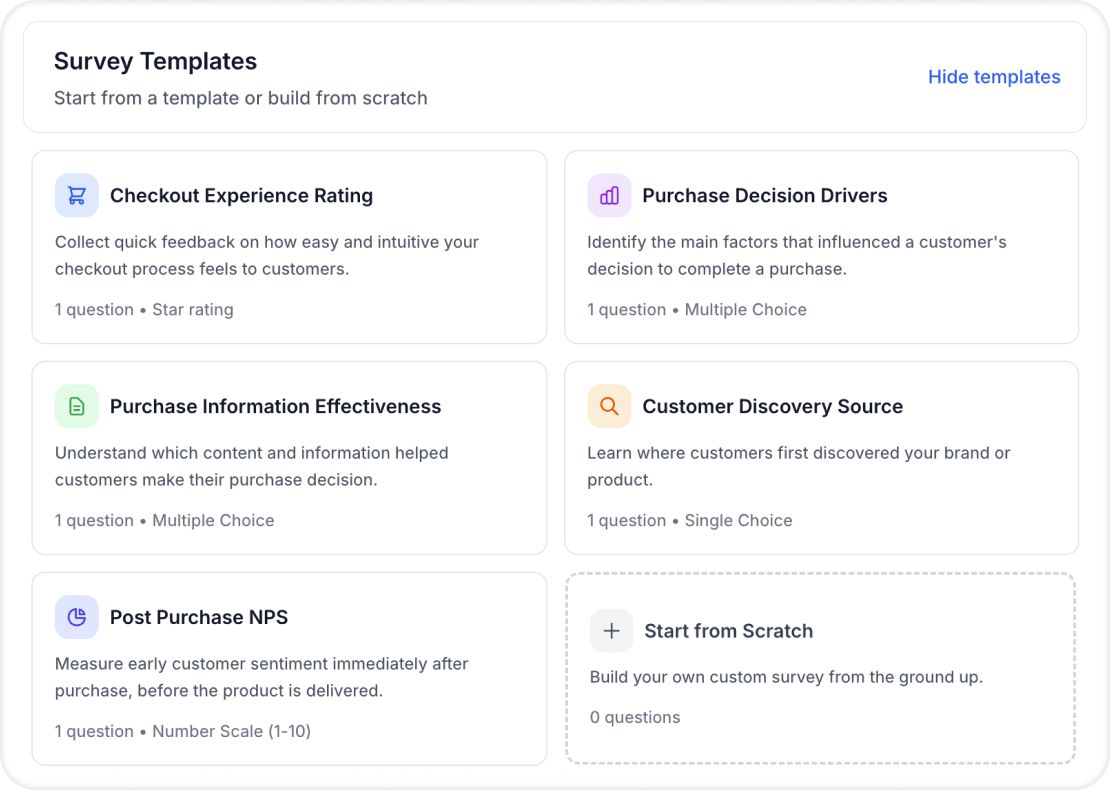
Analyzify Purchase Surveys includes ready-to-use templates for the most valuable post-purchase use cases:
- Customer Discovery Source: Find out how customers first heard about your store
- Purchase Decision Drivers: Understand what influenced their buying decision
- Checkout Experience Rating: Capture how customers felt about the checkout process
- Post-Purchase NPS: Measure satisfaction immediately after purchase
- Purchase Information Effectiveness: Learn how well your product information served customers
You can activate these instantly or customize them based on your needs.
Flexible Question Formats
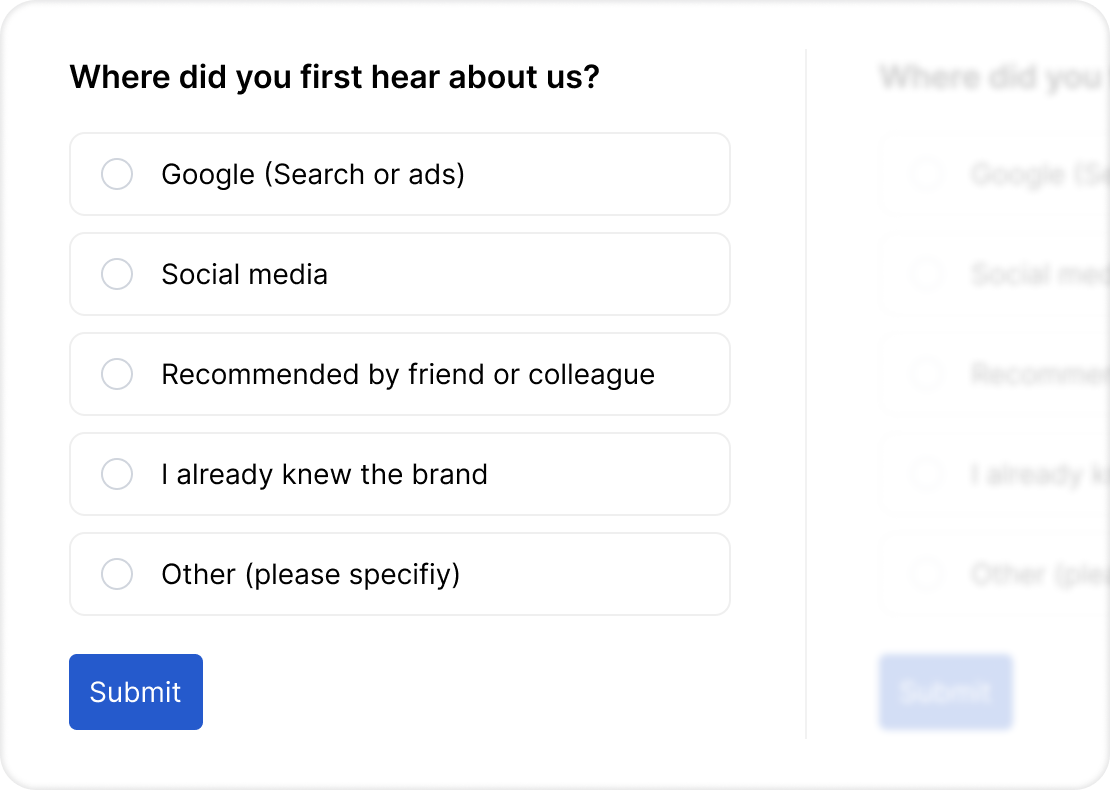
You can choose from multiple choice, single choice, text input, and rating scales depending on what you want to learn.
Structured formats work well for tracking trends over time. Open text questions surface unexpected insights that predefined options wouldn’t capture.
Analytics and Reporting
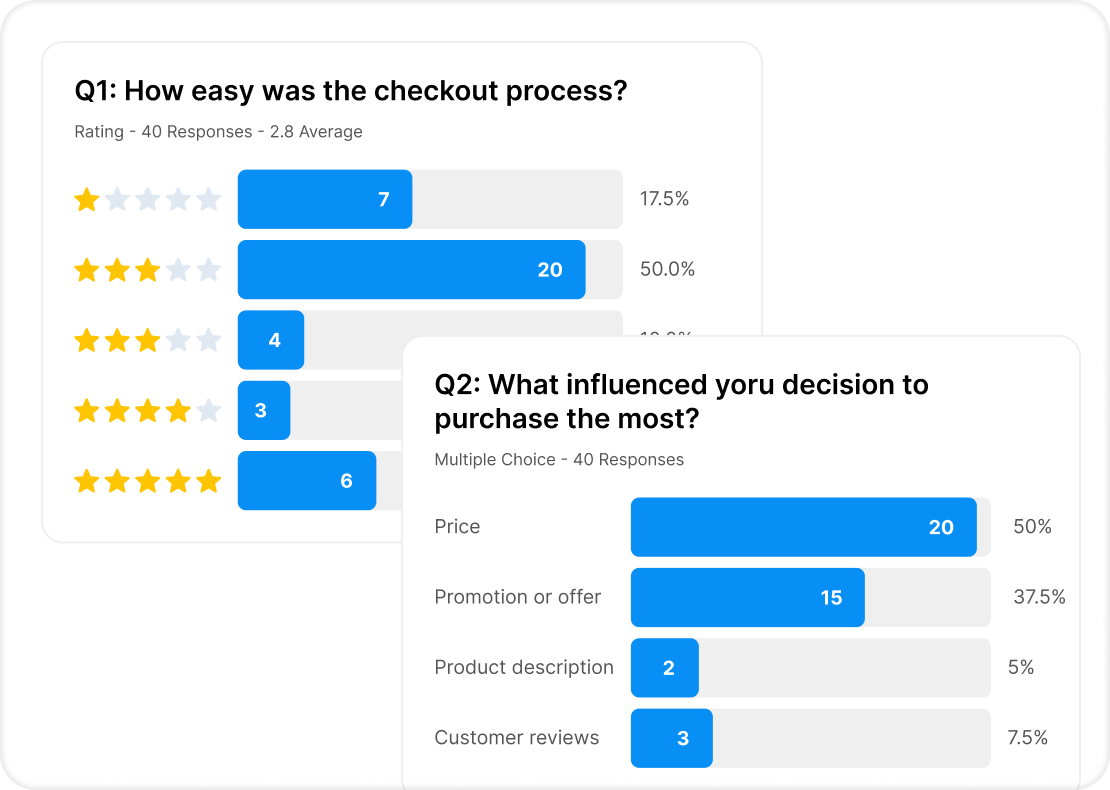
Once responses start coming in, the visual analytics dashboard shows you response rates, attribution breakdowns, and trends over time.
You can view aggregate patterns across all surveys or drill into individual responses for detailed customer context.
Full response data can be exported as a CSV for deeper analysis, integration with your existing tools, or sharing with your team.
Responses are unlimited with no caps, so the data scales with your store.
How to Get Started
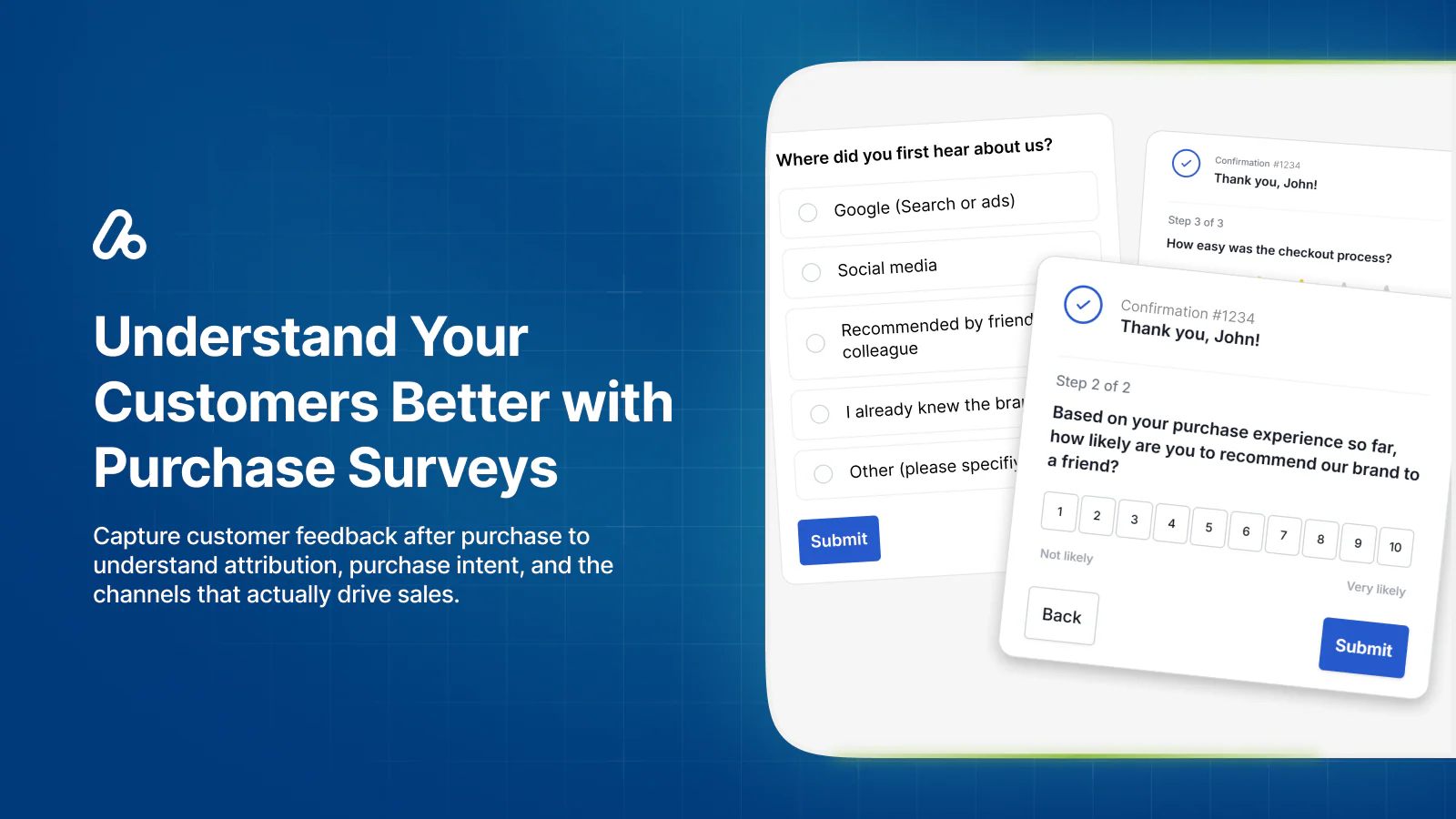
Setting up Analyzify Purchase Surveys takes minutes and requires no coding.
After installing from the Shopify App Store, you add the survey widget to your Thank You page through Shopify’s checkout customization editor.
The app walks you through the process with a step-by-step setup guide. Once the app block is placed and saved, your survey goes live immediately.
You can create your first survey from scratch using the question builder, or start with one of the pre-built templates.
Surveys can be saved as drafts before publishing, and you can have one active survey running at a time.
Team members can be added so your marketing, customer experience, and analytics teams all have access to the response data they need.
 Easy setup with no coding required
Start collecting feedback instantly
Get customer feedback to understand attribution, purchase intent, and channels that drive sales.Conclusion
Tracking data and survey data answer different questions.
Tracking shows you the measurable path customers took to reach a purchase. Surveys show you the motivations, influences, and experiences that behavioral data wasn’t built to capture.
Analyzify Purchase Surveys gives you that second layer directly inside your Shopify store, on the Thank You page, at the moment customers are most engaged.
Combined with the attribution and tracking data you already have, it gives you a more complete and confident understanding of what’s actually driving your sales.